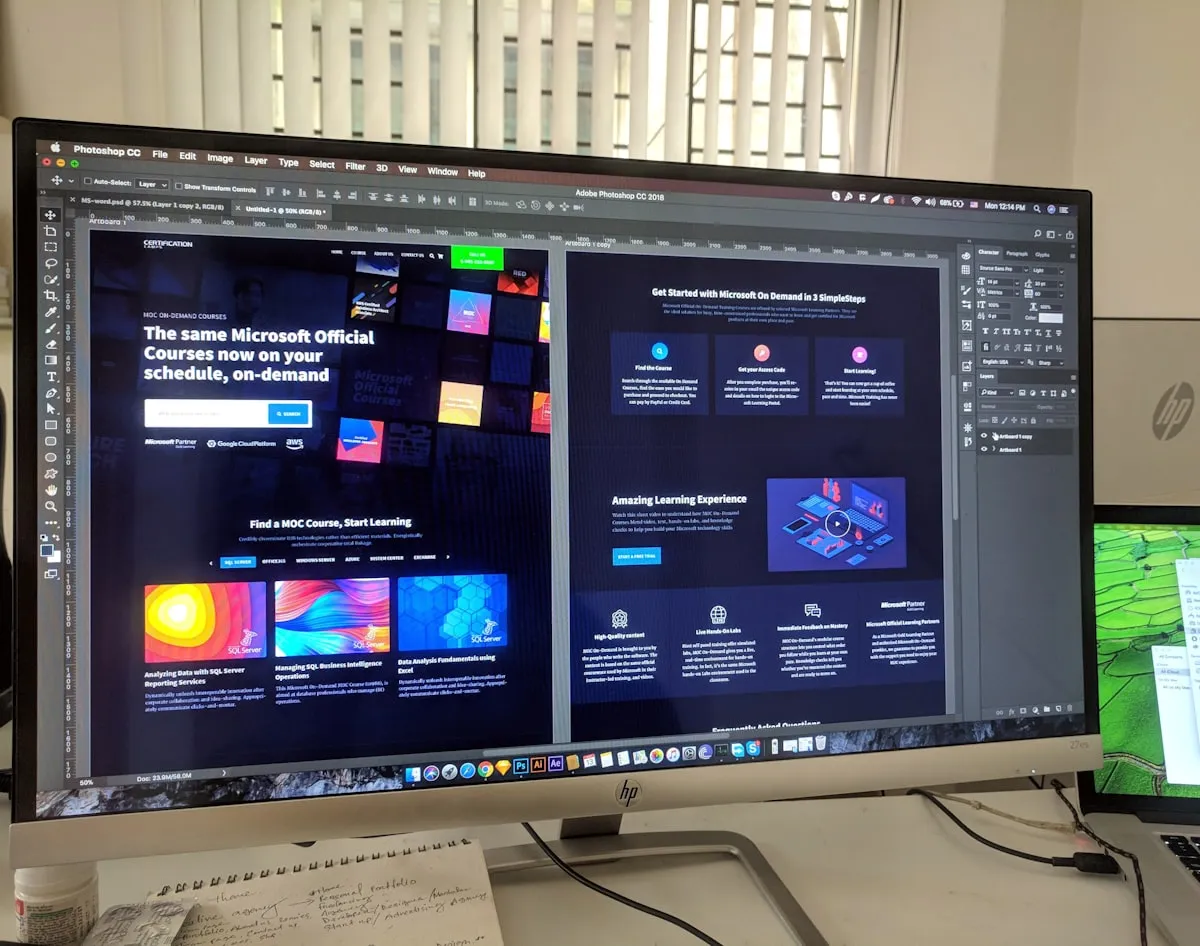
Mobile-First Responsive Design — Create Adaptive Websites
Introduction: The Mobile-First Era
Mobile devices now account for over 60% of web traffic. Designing for mobile isn’t optional—it’s essential. Mobile-first responsive design ensures your website looks great and functions perfectly on every device, from small phones to large desktop monitors. This comprehensive guide covers the principles, techniques, and best practices for modern responsive web design.
Table of Contents
- Introduction
- Mobile-First Philosophy
- Viewport and Meta Tags
- Breakpoints and Media Queries
- Responsive Units
- Flexible Layouts
- Responsive Images
- Touch-Friendly Design
- Performance Considerations
- Accessibility in Responsive Design
- Testing and Debugging
- Best Practices
Mobile-First Philosophy
Mobile-first design means creating your base design for mobile devices first, then progressively enhancing it for larger screens. This approach ensures a solid foundation and prevents bloated designs.
Benefits of Mobile-First
Performance
- Reduced complexity on mobile
- Faster load times
- Better battery efficiency
User Experience
- Clean, focused interfaces
- Essential features only
- Better prioritization
Development
- Simpler CSS to start
- Easier to add enhancements
- Better code organization
Mobile-First vs Desktop-First
/* ❌ Desktop-First (outdated) */
.container {
  display: grid;
  grid-template-columns: 1fr 3fr 1fr;  /* 3 columns */
}

/* When screen shrinks... */
@media (max-width: 1024px) {
  .container {
    grid-template-columns: 1fr;
  }
}

/* ✅ Mobile-First (modern) */
.container {
  display: block;  /* Mobile-friendly */
}

/* As screen grows... */
@media (min-width: 768px) {
  .container {
    display: grid;
    grid-template-columns: 1fr 1fr;
  }
}

@media (min-width: 1024px) {
  .container {
    grid-template-columns: 1fr 3fr 1fr;
  }
}
Viewport and Meta Tags
Viewport Meta Tag
Essential for mobile responsiveness. Tells browsers how to handle viewport scaling.
<meta name="viewport" content="width=device-width, initial-scale=1.0">Key Attributes:
width=device-width: Set width to device widthinitial-scale=1.0: Set initial zoom levelmaximum-scale=5.0: Allow user zoom up to 5xuser-scalable=yes: Allow user to zoom
Full Mobile-Friendly Setup
<!DOCTYPE html>
<html lang="en">
<head>
  <meta charset="UTF-8">
  <meta name="viewport" content="width=device-width, initial-scale=1.0">
  <meta name="description" content="Responsive website">
  <title>Mobile-First Responsive Site</title>

  <!-- Mobile favicon -->
  <link rel="icon" type="image/x-icon" href="/favicon.ico">
  <link rel="apple-touch-icon" href="/apple-touch-icon.png">

  <!-- Stylesheet -->
  <link rel="stylesheet" href="styles.css">
</head>
<body>
  <!-- Content -->
</body>
</html>
Breakpoints and Media Queries
Common Breakpoints
Establish consistent breakpoints for your design system.
/* Mobile: < 640px */
/* Tablet: 640px - 1024px */
/* Desktop: > 1024px */

/* Or more granular */
/* Mobile: < 480px */
/* Mobile Large: 480px - 768px */
/* Tablet: 768px - 1024px */
/* Desktop: 1024px - 1440px */
/* Desktop Large: > 1440px */
Media Query Syntax
/* Basic media query */
@media (min-width: 768px) {
  .container {
    max-width: 750px;
  }
}

/* Multiple conditions */
@media (min-width: 768px) and (max-width: 1024px) {
  .sidebar {
    width: 250px;
  }
}

/* OR conditions */
@media (min-width: 768px), (orientation: landscape) {
  .layout {
    display: grid;
  }
}

/* Other media features */
@media (prefers-color-scheme: dark) {
  body { background: #1a1a1a; color: #fff; }
}

@media (prefers-reduced-motion: reduce) {
  * { animation: none !important; }
}
Mobile-First Media Query Pattern
/* Base mobile styles */
.card {
  width: 100%;
  margin-bottom: 1rem;
}

/* Tablet enhancement */
@media (min-width: 768px) {
  .card {
    width: calc(50% - 0.5rem);
    display: inline-block;
  }
}

/* Desktop enhancement */
@media (min-width: 1024px) {
  .card {
    width: calc(33.333% - 0.667rem);
  }
}
Responsive Units
Choose appropriate units for flexible, responsive layouts.
Unit Types
/* Absolute units (not recommended for responsive) */
.fixed {
  width: 300px;      /* Fixed pixel size */
  font-size: 16px;
}

/* Relative units (responsive) */
.flexible {
  /* em: Relative to parent font size */
  font-size: 1.5em;

  /* rem: Relative to root (html) font size */
  margin: 1rem;

  /* %: Percentage of parent */
  width: 80%;

  /* vw/vh: Viewport width/height */
  width: 50vw;
  height: 100vh;

  /* ch: Character width */
  max-width: 80ch;
}
Fluid Typography
Scale text smoothly across screen sizes.
/* Traditional approach with breakpoints */
.heading {
  font-size: 2rem;
}

@media (min-width: 1024px) {
  .heading {
    font-size: 3rem;
  }
}

/* Modern approach with clamp() */
.heading {
  /* min, preferred, max */
  font-size: clamp(1.5rem, 5vw, 3rem);
}

.body-text {
  font-size: clamp(0.875rem, 2vw, 1.125rem);
}
Flexible Layouts
Flexbox for Responsiveness
.flex-container {
  display: flex;
  flex-direction: column;  /* Stack on mobile */
  gap: 1rem;
}

@media (min-width: 768px) {
  .flex-container {
    flex-direction: row;  /* Side-by-side on tablet */
  }
}

.flex-item {
  flex: 1;  /* Equal width */
  min-width: 200px;  /* Prevent shrinking too small */
}
CSS Grid for Responsiveness
/* Mobile: 1 column */
.grid-container {
  display: grid;
  grid-template-columns: 1fr;
  gap: 1rem;
}

/* Tablet: 2 columns */
@media (min-width: 768px) {
  .grid-container {
    grid-template-columns: repeat(2, 1fr);
  }
}

/* Desktop: 3 columns with auto-fit */
@media (min-width: 1024px) {
  .grid-container {
    grid-template-columns: repeat(auto-fit, minmax(300px, 1fr));
  }
}
Responsive Images
Image Sizing
/* Responsive images */
img {
  max-width: 100%;
  height: auto;
  display: block;
}

/* Container-based sizing */
.image-container {
  width: 100%;
  max-width: 600px;
}

.image-container img {
  width: 100%;
  height: auto;
}
Srcset for Different Resolutions
Serve appropriately sized images based on device pixel ratio.
<!-- Responsive image with srcset -->
<img
  srcset="small.jpg 480w, medium.jpg 800w, large.jpg 1200w"
  src="medium.jpg"
  sizes="(max-width: 600px) 100vw, (max-width: 1200px) 50vw, 800px"
  alt="Descriptive text"
>
Picture Element for Art Direction
Serve completely different images for different screen sizes.
<picture>
  <!-- Mobile image -->
  <source
    media="(max-width: 600px)"
    srcset="mobile.jpg"
  >

  <!-- Tablet image -->
  <source
    media="(max-width: 1200px)"
    srcset="tablet.jpg"
  >

  <!-- Desktop fallback -->
  <img src="desktop.jpg" alt="Description">
</picture>
Modern Image Formats
Use modern formats with fallbacks.
<picture>
  <!-- Modern WebP format -->
  <source srcset="image.webp" type="image/webp">

  <!-- Fallback JPEG -->
  <source srcset="image.jpg" type="image/jpeg">

  <img src="image.jpg" alt="Description">
</picture>
Touch-Friendly Design
Touch Target Sizes
Ensure interactive elements are easy to tap on mobile.
/* Minimum 44x44 pixels recommended */
.button, .link, input[type="checkbox"] {
  min-width: 44px;
  min-height: 44px;
  padding: 0.75rem;
}

/* Adequate spacing */
.button + .button {
  margin-left: 1rem;
}
Touch Interactions
/* Remove hover states for touch devices */
@media (hover: none) and (pointer: coarse) {
  /* Touch device - no hover effects */
  .button:hover {
    background: unchanged;
  }
}

/* Touch feedback */
.button:active {
  transform: scale(0.98);
  transition: none;
}
Avoid Hover-Dependent Features
/* ❌ Poor - Relies on hover */
.menu-item:hover .submenu {
  display: block;
}

/* ✅ Better - Touch-friendly */
.menu-item.active .submenu {
  display: block;
}

/* With toggle button */
.menu-toggle {
  display: none;
}

@media (hover: none) and (pointer: coarse) {
  .menu-toggle {
    display: block;
  }
}
Performance Considerations
Mobile Performance
/* Reduce animations on slower devices */
@media (prefers-reduced-motion: reduce) {
  * {
    animation: none !important;
    transition: none !important;
  }
}

/* Load critical CSS first */
@media print {
  /* Non-critical styles */
}

/* Lazy load images */
<img loading="lazy" src="image.jpg" alt="...">
Accessibility in Responsive Design
Semantic HTML
<!-- ✅ Good -->
<header>...</header>
<nav>...</nav>
<main>...</main>
<article>...</article>
<aside>...</aside>
<footer>...</footer>

<!-- ❌ Avoid -->
<div class="header">...</div>
<div class="nav">...</div>
ARIA and Responsiveness
<!-- Mobile menu toggle -->
<button
  aria-label="Toggle navigation menu"
  aria-expanded="false"
  aria-controls="mobile-menu"
>
  Menu
</button>

<nav id="mobile-menu" aria-label="Main navigation">
  <!-- Navigation items -->
</nav>
Testing and Debugging
Chrome DevTools
- Device Toolbar: Simulate different devices
- Responsive Mode: Test any screen size
- Network Throttling: Test on slow connections
- Performance Tab: Analyze performance
Real Device Testing
// Test on actual devices
- iPhone/iPad (iOS)
- Android phones and tablets
- Windows/Mac computers
Common Issues to Test
✓ Text readability at all sizes ✓ Touch target sizes ✓ Image scaling ✓ Navigation functionality ✓ Form inputs accessibility ✓ Loading speed ✓ Layout shifts ✓ Overflow issues
Best Practices
✓ Mobile-first approach: Start with mobile, enhance for desktop ✓ Test on real devices: Don’t rely on emulation alone ✓ Use flexible units: rem, em, %, vw/vh ✓ Optimize images: Use appropriate sizes and formats ✓ Touch-friendly targets: 44x44px minimum ✓ Readable fonts: Minimum 16px on mobile ✓ Adequate spacing: Breathing room for content ✓ Fast loading: Compress, lazy load, cache ✓ Accessible design: Semantic HTML, ARIA labels ✓ Test responsiveness: Check all breakpoints regularly
Mobile-first design ensures great experiences for all users!
Mobile-First Approach
/* Start with mobile */
body {
  font-size: 14px;
}

.card {
  width: 100%;
}

/* Enhance for larger screens */
@media (min-width: 768px) {
  body {
    font-size: 16px;
  }

  .card {
    width: 50%;
  }
}

@media (min-width: 1024px) {
  .card {
    width: 33.333%;
  }
}
Breakpoints
/* Common breakpoints */
/* Mobile: < 640px */
/* Tablet: 640px - 1024px */
/* Desktop: > 1024px */
Responsive Units
/* Relative units - more flexible */
body { font-size: 1rem; } /* 16px base */
.element { font-size: 1.5em; } /* relative to parent */
.item { width: 50vw; } /* 50% of viewport width */
Flexible Images
<!-- Responsive images with srcset -->
<img
  srcset="small.jpg 480w, medium.jpg 800w, large.jpg 1200w"
  src="medium.jpg"
  alt="Description"
>

<!-- Picture element for art direction -->
<picture>
  <source media="(max-width: 600px)" srcset="small.jpg">
  <source media="(max-width: 1200px)" srcset="medium.jpg">
  <img src="large.jpg" alt="Description">
</picture>
Touch-Friendly Design
✓ Minimum touch target: 44x44 pixels ✓ Adequate spacing between interactive elements ✓ Avoid hover states as primary interaction ✓ Use finger-friendly navigation patterns
Testing Responsiveness
- Chrome DevTools responsive mode
- Viewport emulation and testing
- Real device testing on various sizes
- Automated responsive design checkers
Mobile-first design ensures great experience for all users!