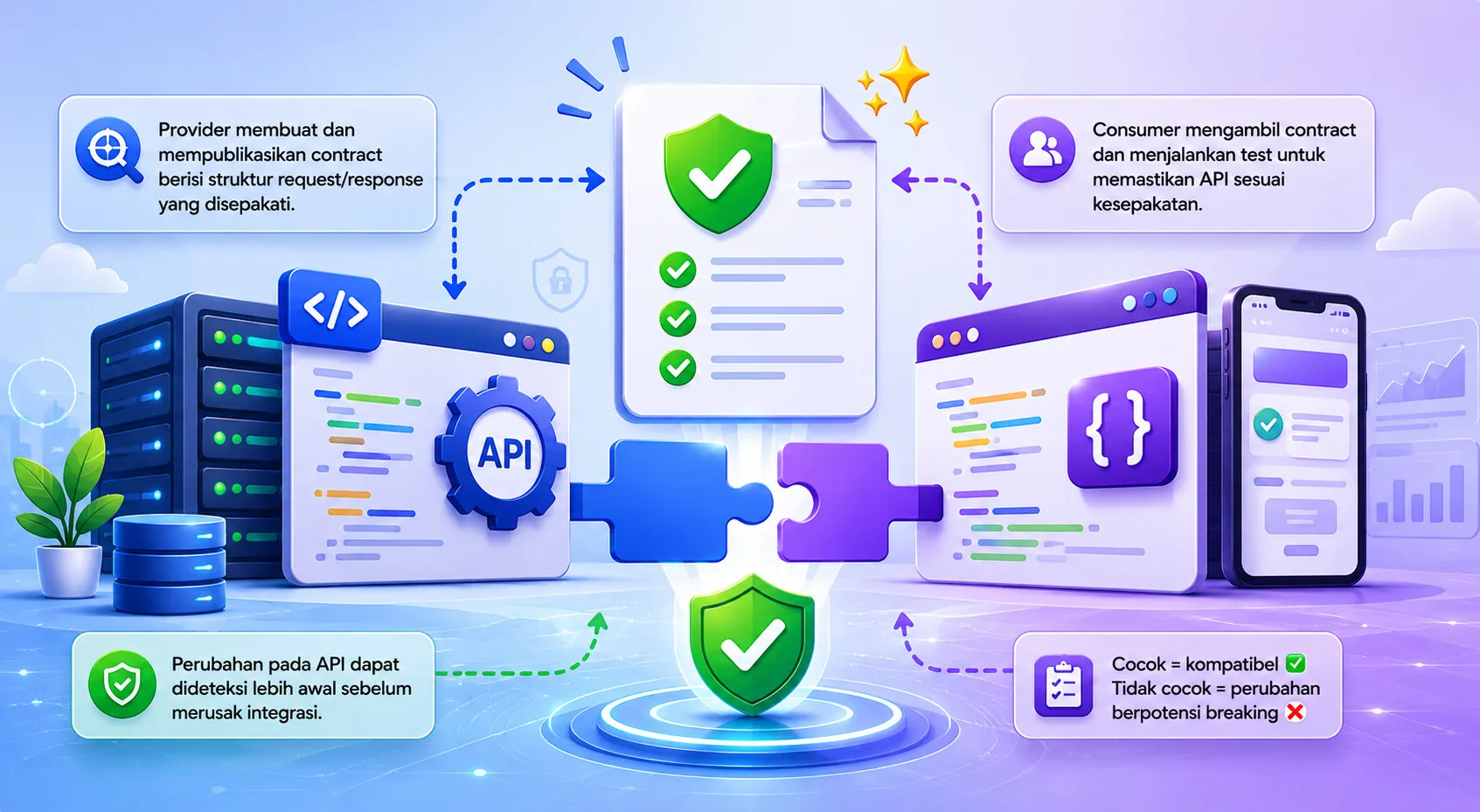
Contract Testing: Ensuring API Compatibility
Why Contract Testing Matters
In a microservice architecture, services communicate over APIs. A change in one service can unintentionally break another, leading to costly runtime failures. Contract testing solves this problem by verifying that the provider and consumer agree on the shape of requests and responses before they are deployed.
This article walks through the core concepts, popular tools, and practical steps to integrate contract testing into your CI/CD pipeline.
Table of Contents
- What Is a Contract?
- Benefits of Contract Testing
- Popular Contract Testing Tools
- Implementing a Contract Test
- CI/CD Integration
- Best Practices
- Common Pitfalls & How to Avoid Them
- Conclusion
What Is a Contract?
A contract is a machine‑readable description of an API interaction. It can be expressed in:
- OpenAPI/Swagger specifications (JSON or YAML)
- Pact DSL (JSON or YAML) for consumer‑driven contracts
- GraphQL schema introspection
The contract lives in a shared repository and is version‑controlled alongside the service code.
Benefits of Contract Testing
| Benefit | Explanation |
|---|---|
| Early Detection | Failing contracts are caught during unit testing, not in production. |
| Decoupled Development | Consumers can stub the provider using the contract, enabling parallel development. |
| Safety Net for Refactoring | Changing response shapes triggers contract failures, preventing silent breaking changes. |
| Documentation | Contracts serve as up‑to‑date API documentation for both humans and machines. |
Popular Contract Testing Tools
| Tool | Language Support | Consumer‑Driven? | Notes |
|---|---|---|---|
| Pact | JS, Java, Ruby, Go, .NET, etc. | ✅ | Mature ecosystem, supports broker for versioning. |
| OpenAPI Validator | JS, Python, Java | ❌ (provider‑focused) | Works well when the API is defined first. |
| Dredd | Node.js | ✅ | Executes API description against live service. |
| Spring Cloud Contract | Java/Kotlin | ✅ | Generates stubs and tests from contracts. |
Implementing a Contract Test (Pact Example)
1. Install Dependencies
npm install --save-dev @pact-foundation/pact @pact-foundation/pact-node2. Define a Consumer Test
// consumer.test.js
import { Pact } from '@pact-foundation/pact';
import path from 'path';
import axios from 'axios';

const provider = new Pact({
  consumer: 'OrderService',
  provider: 'InventoryService',
  port: 1234,
  log: path.resolve(process.cwd(), 'logs', 'pact.log'),
  dir: path.resolve(process.cwd(), 'pacts'),
});

beforeAll(() => provider.setup());
afterAll(() => provider.finalize());

test('GET /items returns available inventory', async () => {
  await provider.addInteraction({
    state: 'items exist',
    uponReceiving: 'a request for item list',
    withRequest: {
      method: 'GET',
      path: '/items',
    },
    willRespondWith: {
      status: 200,
      headers: { 'Content-Type': 'application/json' },
      body: [{ id: 1, name: 'Widget', qty: 42 }],
    },
  });

  const response = await axios.get('http://localhost:1234/items');
  expect(response.status).toBe(200);
  expect(response.data).toEqual([{ id: 1, name: 'Widget', qty: 42 }]);

  await provider.verify();
});
3. Publish the Contract
npx pact-broker publish ./pacts --consumer-app-version $(git rev-parse --short HEAD) --broker-base-url https://pact-broker.mycompany.com4. Provider Verification
On the provider side, add a verification step that pulls the contract from the broker and runs it against the live API.
npx pact-verifier --provider-base-url http://localhost:3000 --pact-url https://pact-broker.mycompany.com/pacts/provider/InventoryService/consumer/OrderService/latestCI/CD Integration
- Run consumer tests on every pull request.
- Publish contracts to a Pact Broker (or store in a Git repo).
- Trigger provider verification in the provider pipeline.
- Fail the build if any contract verification fails.
Most CI platforms (GitHub Actions, GitLab CI, Azure Pipelines) have ready‑made steps for Pact.
Best Practices
- Version contracts using semantic versioning; treat breaking changes as major bumps.
- Store contracts in a dedicated
contracts/folder or a Pact Broker. - Keep contracts small – one file per consumer‑provider interaction.
- Automate stub generation for consumers to use during local development.
- Run provider verification in a clean environment (Docker) to avoid hidden state.
Common Pitfalls & How to Avoid Them
| Pitfall | Solution |
|---|---|
| Over‑reliance on contracts, ignoring integration tests | Keep a balanced test suite; contracts complement, not replace, integration tests. |
| Contracts become outdated | Enforce CI checks that contracts must be updated with any API change. |
| Large monolithic contracts | Split contracts by resource or use consumer‑driven approach to keep them focused. |
Conclusion
Contract testing is a powerful technique to guarantee API compatibility across evolving services. By defining clear contracts, automating verification, and integrating them into your CI/CD pipeline, you can ship changes with confidence, reduce integration bugs, and maintain a healthy microservice ecosystem.