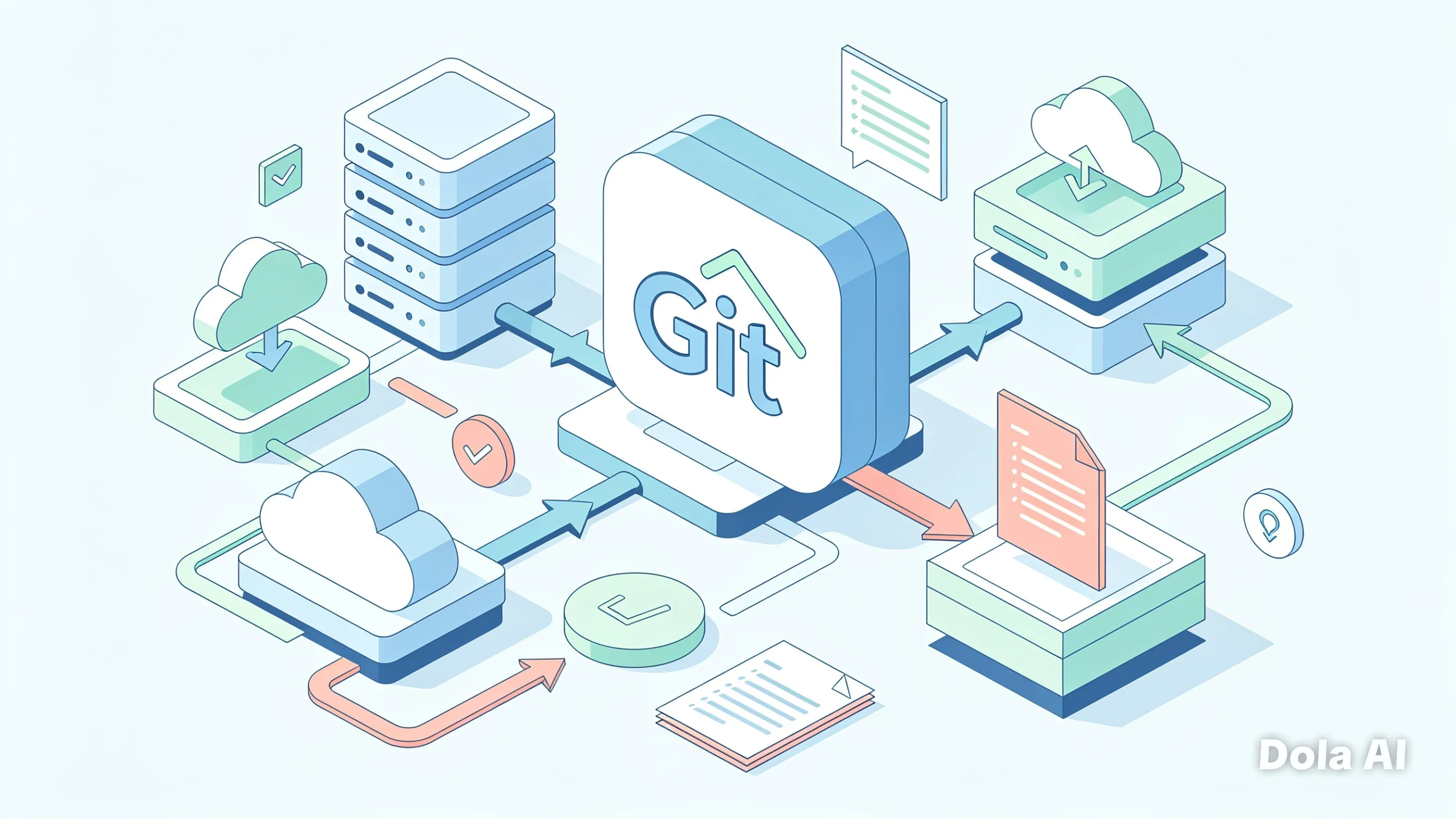
GitOps: Infrastructure as Code with Git
Why GitOps Matters in the Cloud Native Era
In cloud native and microservices environments, infrastructure management keeps getting more complex. GitOps offers a modern approach by using Git as the single source of truth to define, manage, and observe infrastructure and applications. This article walks you through the core concepts, practical implementation, and best practices for adopting GitOps in your organization.
Table of Contents
- What Is GitOps?
- Core GitOps Principles
- Benefits of GitOps for Organizations
- GitOps Architecture
- Popular GitOps Tools
- Practical Implementation with Argo CD
- GitOps Best Practices
- Challenges and Solutions
- Conclusion
What Is GitOps?
GitOps is an operating model for systems and applications that uses Git as the source of truth for infrastructure definitions. In GitOps:
- Desired state is defined in YAML files stored in Git
- Automation compares the actual state with the desired state
- Declarative configuration describes what should happen, not how to do it
- Pull-based workflows are used to apply changes
The approach was first popularized by Weaveworks and is now a de facto standard for cloud native operations.
Core GitOps Principles
There are four core principles that set GitOps apart from traditional approaches:
1. Declarative Configuration
All configuration is declared in a declarative way. Instead of writing imperative scripts that describe each step to reach a target state, you define the state you want.
# Example: declarative Kubernetes Deployment
apiVersion: apps/v1
kind: Deployment
metadata:
  name: my-app
spec:
  replicas: 3
  selector:
    matchLabels:
      app: my-app
  template:
    metadata:
      labels:
        app: my-app
    spec:
      containers:
      - name: my-app
        image: my-app:latest
        ports:
        - containerPort: 8080
2. Versioned and Immutable Git History
All configuration lives in Git with clear version control. Every change is tracked, reviewable, and rollback-friendly.
3. Automated and Continuous Reconciliation
The system automatically compares actual state with desired state and takes action to bring them back into alignment.
4. Human- and Machine-Readable
Configuration is designed to be readable by both humans and machines, which makes debugging and collaboration easier.
Benefits of GitOps for Organizations
| Benefit | Explanation |
|---|---|
| Faster Delivery | Automation speeds deployment from weeks to hours or even minutes. |
| Improved Security | All changes go through Git with code review, reducing human error. |
| Consistent Operations | Development, staging, and production use the same process. |
| Clear Audit Trail | Every change is recorded in Git with who, when, and why. |
| Easy Disaster Recovery | Roll back to a previous version easily using Git history. |
| Better Collaboration | Teams can work in parallel with clear branches and pull requests. |
GitOps Architecture
A GitOps architecture usually includes the following components:
1. Git Repository
Stores the desired state in YAML or JSON. Usually there are two repositories:
- Apps repository: stores applications and configuration
- Infrastructure repository: stores base infrastructure
2. Cluster / Target Environment
The environment where applications run (Kubernetes, cloud VMs, and so on).
3. GitOps Operator
A tool running in the cluster that watches for changes in the Git repository.
4. CI/CD Pipeline
An automated process that validates and applies changes.
┌─────────────────┐    ┌─────────────────┐    ┌─────────────────┐
│  Git Repository │───▶│ GitOps Operator │───▶│  Target Cluster │
│                 │    │                 │    │                 │
│ • Apps Repo     │    │ • Argo CD       │    │ • Kubernetes    │
│ • Infra Repo    │    │ • Flux CD       │    │ • Cloud VMs     │
│ • Git History   │    │ • Reconcile     │    │ • Actual State  │
└─────────────────┘    └─────────────────┘    └─────────────────┘
Popular GitOps Tools
| Tool | Key Features | Ecosystem | Community |
|---|---|---|---|
| Argo CD | GitOps for Kubernetes, multi-cluster, app-of-apps | Kubernetes-native | Very active |
| Flux CD | GitOps for Kubernetes, auto-sync, notifications | CNCF Sandbox | Active |
| Terraform Cloud | Infrastructure as Code, state management | HashiCorp | Very large |
| Pulumi | Infrastructure as Code with programming languages | Pulumi Corp | Large |
| Jenkins X | CI/CD pipelines with GitOps | CloudBees | Active |
| Backstage | Internal developer platform with GitOps integrations | Spotify | Large |
| Rancher | Multi-cluster management with GitOps | SUSE | Very active |
Practical Implementation with Argo CD
Argo CD is one of the most popular GitOps tools for Kubernetes. Here is a complete implementation guide:
1. Install Argo CD
# Install Argo CD in the Kubernetes cluster
kubectl create namespace argocd
kubectl apply -n argocd -f https://raw.githubusercontent.com/argoproj/argo-cd/stable/manifests/install.yaml
2. Access the Argo CD UI
# Expose the Argo CD service
kubectl port-forward svc/argocd-server -n argocd 8080:443

# Default credentials
username: admin
password: $(kubectl get secret argocd-initial-admin-secret -n argocd -o jsonpath='{.data.password}' | base64 -d)
3. Configure the Git Repository
Create an Argo CD application that connects to your Git repository:
# argocd-app.yaml
apiVersion: argoproj.io/v1alpha1
kind: Application
metadata:
  name: my-app
  namespace: argocd
spec:
  project: default
  source:
    repoURL: 'https://github.com/your-org/your-app.git'
    targetRevision: HEAD
    path: deployments
  destination:
    server: 'https://kubernetes.default.svc'
    namespace: production
  syncPolicy:
    automated:
      prune: true
      selfHeal: true
    syncOptions:
    - CreateNamespace=true
4. Recommended Repository Structure
your-app/
├── deployments/
│   ├── base/
│   │   ├── deployment.yaml
│   │   ├── kustomization.yaml
│   │   └── service.yaml
│   ├── overlays/
│   │   ├── production/
│   │   │   ├── kustomization.yaml
│   │   │   └── values.yaml
│   │   └── staging/
│   │       ├── kustomization.yaml
│   │       └── values.yaml
├── infrastructure/
│   ├── k8s/
│   │   ├── namespaces.yaml
│   │   └── rbac.yaml
│   └── cloud/
│       ├── vpc.yaml
│       └── security-groups.yaml
└── .argocd/
    └── app-of-apps.yaml
5. Multi-Environment Implementation
Use Kustomize or Helm for multi-environment setups:
# overlays/production/kustomization.yaml
apiVersion: kustomize.config.k8s.io/v1beta1
kind: Kustomization
resources:
  - ../../base
images:
  - name: my-app
    newName: my-app
    newTag: v1.2.3
configMapGenerator:
  - name: app-config
    literals:
      - ENVIRONMENT=production
      - LOG_LEVEL=info
GitOps Best Practices
1. Keep a Consistent Repository Structure
- Separate applications from infrastructure
- Use clear folders for each environment
- Establish consistent naming conventions
2. Use an Effective Branch Strategy
- Use feature branches for development
- Use pull requests for review
- Apply branch protection rules
# .github/workflows/branch-protection.yml
name: Branch Protection
on:
  pull_request:
    branches: [main, develop]
jobs:
  protect:
    runs-on: ubuntu-latest
    steps:
    - name: Configure branch protection
      run: |
        curl -X POST \
          -H "Authorization: token ${{ secrets.GITHUB_TOKEN }}" \
          -H "Accept: application/vnd.github.v3+json" \
          https://api.github.com/repos/${{ github.repository }}/branches/main/protection \
          -d '{"required_pull_request_reviews":{"require_code_owner_reviews":true},"enforce_admins":true,"required_conversation_resolution":true}'
3. Automate Testing
- Run automated tests before deployment
- Use canary or blue-green deployment strategies
# .github/workflows/deploy.yml
name: Deploy to Production
on:
  pull_request:
    branches: [main]
    types: [closed]
jobs:
  test:
    runs-on: ubuntu-latest
    steps:
    - name: Run tests
      run: |
        npm test
        npm run integration-test
  deploy:
    needs: test
    runs-on: ubuntu-latest
    if: github.event.pull_request.merged == true
    steps:
    - name: Deploy to production
      run: |
        git checkout main
        git merge ${{ github.event.pull_request.head.ref }}
        git push origin main
4. Monitoring and Observability
- Add health checks
- Monitor deployment status
- Set up alerts for failures
# monitoring/deployment-health.yaml
apiVersion: v1
kind: ConfigMap
metadata:
  name: health-check-config
data:
  health-check.yaml: |
    probes:
      - name: liveness
        path: /health
        interval: 10s
        timeout: 5s
      - name: readiness
        path: /ready
        interval: 30s
        timeout: 10s
    alerts:
      - name: deployment-failed
        condition: deployment.status.failed > 0
        severity: critical
5. Security
- Use secure secrets management
- Apply proper RBAC
- Scan images before deployment
# security/secrets-management.yaml
apiVersion: external-secrets.io/v1beta1
kind: ExternalSecret
metadata:
  name: database-credentials
spec:
  refreshInterval: 15m
  secretStoreRef:
    name: vault-backend
    kind: SecretStore
  target:
    name: database-secret
    creationPolicy: Owner
  data:
    - secretKey: username
      remoteRef:
        key: database/username
    - secretKey: password
      remoteRef:
        key: database/password
Challenges and Solutions
| Challenge | Solution |
|---|---|
| Secrets Management | Use External Secrets or Vault for secure secrets handling |
| Large Repository | Use a monorepo with submodules or the app-of-apps pattern |
| Multi-Cluster Management | Use Argo CD with app-of-apps or a dedicated GitOps operator |
| Fast Rollback | Implement automated rollback with health checks |
| Resource Constraints | Use cluster autoscaling and resource quotas |
1. Secure Secrets Management
# secrets/vault-integration.yaml
apiVersion: vault.banzaicloud.io/v1alpha1
kind: VaultSecret
metadata:
  name: app-secrets
spec:
  path: secret/data/my-app
  type: Opaque
  destination:
    name: app-secrets
    create: true
  keys:
    - database_url
    - api_key
    - jwt_secret
2. Multi-Cluster Management
# app-of-apps.yaml
apiVersion: argoproj.io/v1alpha1
kind: Application
metadata:
  name: app-of-apps
  namespace: argocd
spec:
  project: default
  source:
    repoURL: 'https://github.com/your-org/infrastructure.git'
    targetRevision: HEAD
    path: clusters
  destination:
    server: 'https://kubernetes.default.svc'
    namespace: argocd
  syncPolicy:
    automated:
      prune: true
      selfHeal: true
Conclusion
GitOps offers a modern way to manage infrastructure and applications by using Git as the source of truth. With declarative principles, clear version control, and strong automation, GitOps helps organizations achieve faster delivery, better security, and more consistent operations.
Adopting GitOps requires a mindset shift away from traditional operations, but the payoff is worth it. Start small, use tools like Argo CD or Flux CD, and expand gradually across the organization.
With GitOps, you can turn infrastructure from an operational burden into an asset that is easy to manage, automate, and evolve alongside your applications.