Fetch API Advanced: Abort, Retry, Timeout, and Middleware
Table of Contents
- Introduction
- Why Basic fetch Is Not Enough
- Request Cancellation with AbortController
- Adding Timeouts to Fetch Requests
- Retry Strategies That Do Not Make Things Worse
- Building Custom Fetch Middleware
- A Composable HTTP Client
- Error Handling and Response Parsing
- Common Mistakes in Production Fetch Code
- A Resilient Fetch Checklist
- FAQ
- Conclusion
Introduction
The Fetch API is the standard way to make HTTP requests in modern browsers and Node.js. For a quick GET request or a simple form submission, the built-in API is enough. Production applications, however, need more: the ability to cancel in-flight requests, enforce timeouts, retry transient failures safely, attach authentication headers consistently, and log errors without duplicating logic in every call site.
Libraries like Axios and Ky solve some of these problems out of the box, but understanding how to implement them with native Fetch gives you full control, zero extra dependencies, and patterns that transfer to any HTTP client.
This article walks through the three capabilities that separate prototype fetch code from production-ready HTTP clients: abort, retry, and custom middleware.
Why Basic fetch Is Not Enough
A bare fetch(url) call has several gaps that become painful in real applications:
- No built-in timeout. A slow or hanging server can leave a request pending indefinitely.
- No automatic retry. Transient network failures require manual handling at every call site.
- No request cancellation by default. Navigating away or typing a new search query does not stop the previous request unless you wire it up.
- No middleware layer. Cross-cutting concerns like auth tokens, base URLs, and error normalization get copy-pasted across files.
- No distinction between network errors and HTTP errors. A 404 and a DNS failure both return a
Responseobject—or throw, depending on the failure type.
These gaps are not flaws in Fetch itself. Fetch is intentionally minimal. The patterns in this article fill those gaps without abandoning the native API.
Request Cancellation with AbortController
AbortController is the standard mechanism for cancelling fetch requests. It works in browsers and in Node.js 18+.
Basic cancellation
const controller = new AbortController();

fetch('/api/users', { signal: controller.signal })
  .then(response => response.json())
  .then(data => console.log(data))
  .catch(error => {
    if (error.name === 'AbortError') {
      console.log('Request was cancelled');
      return;
    }
    throw error;
  });

// Cancel the request
controller.abort();
When abort() is called, the fetch promise rejects with a DOMException named AbortError. Always check for this name rather than comparing error messages, which vary across environments.
Cancelling on component unmount
In React, Svelte, or Vue, tie the controller lifecycle to the component:
useEffect(() => {
  const controller = new AbortController();

  fetch('/api/dashboard', { signal: controller.signal })
    .then(res => res.json())
    .then(setData)
    .catch(err => {
      if (err.name !== 'AbortError') setError(err);
    });

  return () => controller.abort();
}, []);
This prevents state updates on unmounted components—a common source of warnings and subtle bugs in SPAs.
Sharing a signal across multiple requests
One AbortController can cancel several related requests at once:
const controller = new AbortController();
const signal = controller.signal;

const usersPromise = fetch('/api/users', { signal });
const ordersPromise = fetch('/api/orders', { signal });

// Cancel both if the user navigates away
controller.abort();
Combining external signals
Use AbortSignal.any() (widely supported in modern browsers) to merge a timeout signal with a user cancellation signal:
const userController = new AbortController();
const timeoutSignal = AbortSignal.timeout(5000);

const signal = AbortSignal.any([
  userController.signal,
  timeoutSignal,
]);

fetch('/api/search?q=fetch', { signal });
If either signal aborts, the fetch is cancelled.
Adding Timeouts to Fetch Requests
Fetch has no timeout option in its init object, but AbortSignal.timeout() provides a clean solution:
async function fetchWithTimeout(url, options = {}, timeoutMs = 8000) {
  const response = await fetch(url, {
    ...options,
    signal: AbortSignal.timeout(timeoutMs),
  });
  return response;
}
Handling timeout errors
Timeout aborts also produce AbortError. Distinguish them by checking whether your user controller triggered the abort:
try {
  const response = await fetch('/api/data', {
    signal: AbortSignal.timeout(3000),
  });
} catch (error) {
  if (error.name === 'AbortError') {
    throw new Error('Request timed out after 3 seconds');
  }
  throw error;
}
Timeouts vs slow responses
A timeout aborts the client-side wait, not necessarily the server-side processing. The server may still complete the work even after the client gives up. For mutating operations (POST, PUT, DELETE), combine timeouts with idempotency keys on the server so that a retried request does not create duplicate side effects.
Retry Strategies That Do Not Make Things Worse
Retries improve reliability for transient failures, but careless retries can amplify load during outages or create duplicate records.
When to retry
Retry is appropriate for:
- network errors (connection reset, DNS failure)
- HTTP 408 (Request Timeout)
- HTTP 429 (Too Many Requests), respecting
Retry-After - HTTP 502, 503, 504 (gateway and service unavailable errors)
Avoid retrying:
- HTTP 400, 401, 403, 404, 422 (client errors—the request itself is wrong)
- HTTP 409 (conflict—retrying may worsen the situation)
- non-idempotent POST requests without server-side idempotency protection
Exponential backoff with jitter
async function fetchWithRetry(url, options = {}, config = {}) {
  const {
    maxRetries = 3,
    baseDelayMs = 300,
    maxDelayMs = 5000,
    retryOn = [408, 429, 502, 503, 504],
  } = config;

  let lastError;

  for (let attempt = 0; attempt <= maxRetries; attempt++) {
    try {
      const response = await fetch(url, options);

      if (response.ok || !retryOn.includes(response.status)) {
        return response;
      }

      lastError = new Error(`HTTP ${response.status}`);

      if (attempt === maxRetries) break;

      const retryAfter = response.headers.get('Retry-After');
      const delay = retryAfter
        ? Number(retryAfter) * 1000
        : Math.min(baseDelayMs * 2 ** attempt, maxDelayMs);

      const jitter = Math.random() * 100;
      await new Promise(resolve => setTimeout(resolve, delay + jitter));
    } catch (error) {
      if (error.name === 'AbortError') throw error;

      lastError = error;
      if (attempt === maxRetries) break;

      const delay = Math.min(baseDelayMs * 2 ** attempt, maxDelayMs);
      await new Promise(resolve => setTimeout(resolve, delay));
    }
  }

  throw lastError;
}
Jitter prevents thundering herd problems when many clients retry at the same instant after a brief outage.
Respecting AbortSignal during retries
Pass the same signal into every retry attempt. If the user cancels or a parent timeout fires, stop retrying immediately:
for (let attempt = 0; attempt <= maxRetries; attempt++) {
  if (options.signal?.aborted) {
    throw new DOMException('Aborted', 'AbortError');
  }
  // ... fetch attempt
}
Building Custom Fetch Middleware
Middleware wraps fetch to add cross-cutting behavior without modifying every call site. The pattern mirrors Express middleware or Axios interceptors.
The middleware signature
Each middleware receives the URL, options, and a next function that calls the next layer:
function createFetchPipeline(middlewares) {
  const baseFetch = globalThis.fetch.bind(globalThis);

  const dispatch = (index) => (url, options) => {
    if (index >= middlewares.length) {
      return baseFetch(url, options);
    }
    const middleware = middlewares[index];
    return middleware(url, options, dispatch(index + 1));
  };

  return dispatch(0);
}
Example: base URL middleware
function withBaseUrl(baseUrl) {
  return (url, options, next) => {
    const fullUrl = url.startsWith('http') ? url : `${baseUrl}${url}`;
    return next(fullUrl, options);
  };
}
Example: auth header middleware
function withAuth(getToken) {
  return async (url, options, next) => {
    const token = await getToken();
    const headers = new Headers(options.headers);
    headers.set('Authorization', `Bearer ${token}`);
    return next(url, { ...options, headers });
  };
}
Example: logging middleware
function withLogging() {
  return async (url, options, next) => {
    const start = performance.now();
    try {
      const response = await next(url, options);
      console.info(`[fetch] ${options.method ?? 'GET'} ${url} → ${response.status} (${Math.round(performance.now() - start)}ms)`);
      return response;
    } catch (error) {
      console.error(`[fetch] ${options.method ?? 'GET'} ${url} → failed (${Math.round(performance.now() - start)}ms)`, error);
      throw error;
    }
  };
}
Middleware runs in the order it is registered. Place auth and base URL middleware early; logging and retry middleware typically wrap the inner fetch call.
A Composable HTTP Client
Combine middleware, timeout, and retry into a single client object:
const api = createFetchPipeline([
  withBaseUrl('https://api.example.com'),
  withAuth(() => localStorage.getItem('access_token')),
  withLogging(),
  withRetry({ maxRetries: 2 }),
]);

// Usage
const response = await api('/v1/users/me', {
  headers: { Accept: 'application/json' },
});
const user = await response.json();
For retry middleware, wrap next instead of wrapping fetch globally:
function withRetry(config) {
  return (url, options, next) => {
    return fetchWithRetry(url, { ...options, fetchFn: () => next(url, options) }, config);
  };
}
Alternatively, implement retry inside a middleware that calls next in a loop—keeping retry logic co-located with the pipeline rather than scattered across the codebase.
TypeScript tip
Define a shared FetchFn type so middleware stays type-safe:
type FetchFn = (url: string | URL | Request, options?: RequestInit) => Promise<Response>;
type Middleware = (url: string, options: RequestInit, next: FetchFn) => Promise<Response>;
Error Handling and Response Parsing
Fetch only rejects on network failure. HTTP error statuses (4xx, 5xx) return a resolved Response. Handle both explicitly:
async function parseResponse(response) {
  if (!response.ok) {
    const body = await response.text().catch(() => '');
    throw new HttpError(response.status, body, response);
  }

  const contentType = response.headers.get('content-type') ?? '';
  if (contentType.includes('application/json')) {
    return response.json();
  }
  return response.text();
}

class HttpError extends Error {
  constructor(status, body, response) {
    super(`HTTP ${status}`);
    this.name = 'HttpError';
    this.status = status;
    this.body = body;
    this.response = response;
  }
}
Centralizing parsing prevents every call site from repeating if (!response.ok) checks and makes error boundaries in UI frameworks easier to implement.
Common Mistakes in Production Fetch Code
Ignoring AbortError in catch blocks
Treating cancellation like a real error triggers unnecessary error toasts and retry logic. Filter AbortError early.
Retrying non-idempotent POST requests blindly
A timeout on a payment or order creation request may mean the server already processed it. Retrying without an idempotency key can duplicate the operation.
Creating a new AbortController per retry
If you create a fresh controller for each retry attempt, you lose the user’s cancellation signal. Reuse the original signal across attempts.
Not cloning the response before reading the body
response.json() consumes the body stream. If middleware and the caller both need the body, call response.clone() first.
Hardcoding retry counts for all endpoints
Read-heavy GET requests can tolerate more retries than write operations. Configure retry policy per route or per middleware instance.
Forgetting about CORS preflight
Custom headers added by auth middleware trigger preflight OPTIONS requests. Ensure your server handles them, or batch header injection to avoid unnecessary preflights on simple requests.
A Resilient Fetch Checklist
Cancellation and lifecycle
- Long-running requests accept an
AbortSignal. - Components abort in-flight requests on unmount.
-
AbortErroris handled separately from real failures.
Timeouts
- Every request has a defined timeout.
- Timeout duration matches the expected server response time.
- Mutating requests use idempotency keys when retries are possible.
Retries
- Only transient failures are retried.
- Backoff includes jitter.
-
Retry-Afterheaders are respected for 429 responses. - Retry loop checks
signal.abortedbefore each attempt.
Middleware and structure
- Auth, base URL, and logging are centralized in middleware.
- HTTP errors are normalized into a consistent error type.
- Response parsing handles JSON, text, and empty bodies.
FAQ
Should I use Fetch or a library like Axios?
Fetch is sufficient for most applications when you add the patterns in this article. Reach for a library when you need features like automatic request/response transforms, built-in upload progress, or a mature interceptor ecosystem without writing your own pipeline.
Does AbortController work in Node.js?
Yes, in Node.js 18 and later. The fetch, AbortController, and AbortSignal.timeout() APIs are available globally.
Can I cancel a fetch after the response headers arrive?
abort() stops the request at any stage—during connection, while receiving headers, or while streaming the body. However, the server may have already completed processing.
How many retries is enough?
For most client-side applications, two or three retries with exponential backoff is a reasonable default. Increase retries only for idempotent read operations where the cost of failure is high and the server can handle the extra load.
Is it safe to retry POST requests?
Only when the server supports idempotency keys or the operation is naturally idempotent. Otherwise, a timeout followed by a retry can create duplicate records.
How does this compare to the Streams API for large downloads?
For large file downloads, combine fetch with ReadableStream and AbortSignal to cancel mid-stream. The abort and middleware patterns in this article apply equally; add progress tracking by reading the stream in chunks.
Conclusion
The Fetch API gives you a solid foundation. Abort, retry, and middleware turn that foundation into a client that behaves correctly under real-world conditions—slow networks, impatient users, and servers that occasionally fail.
Start with cancellation for any request tied to UI state. Add timeouts next. Introduce retry only for idempotent or protected operations. Wrap cross-cutting logic in middleware so your call sites stay clean.
These patterns are small individually, but together they eliminate an entire class of production bugs that basic fetch code leaves open.
What is the most common fetch-related bug you have seen in production? Timeouts, missing abort on unmount, or retry without idempotency? Share your experience in the comments.
Related Articles
Keep reading within the same topic.
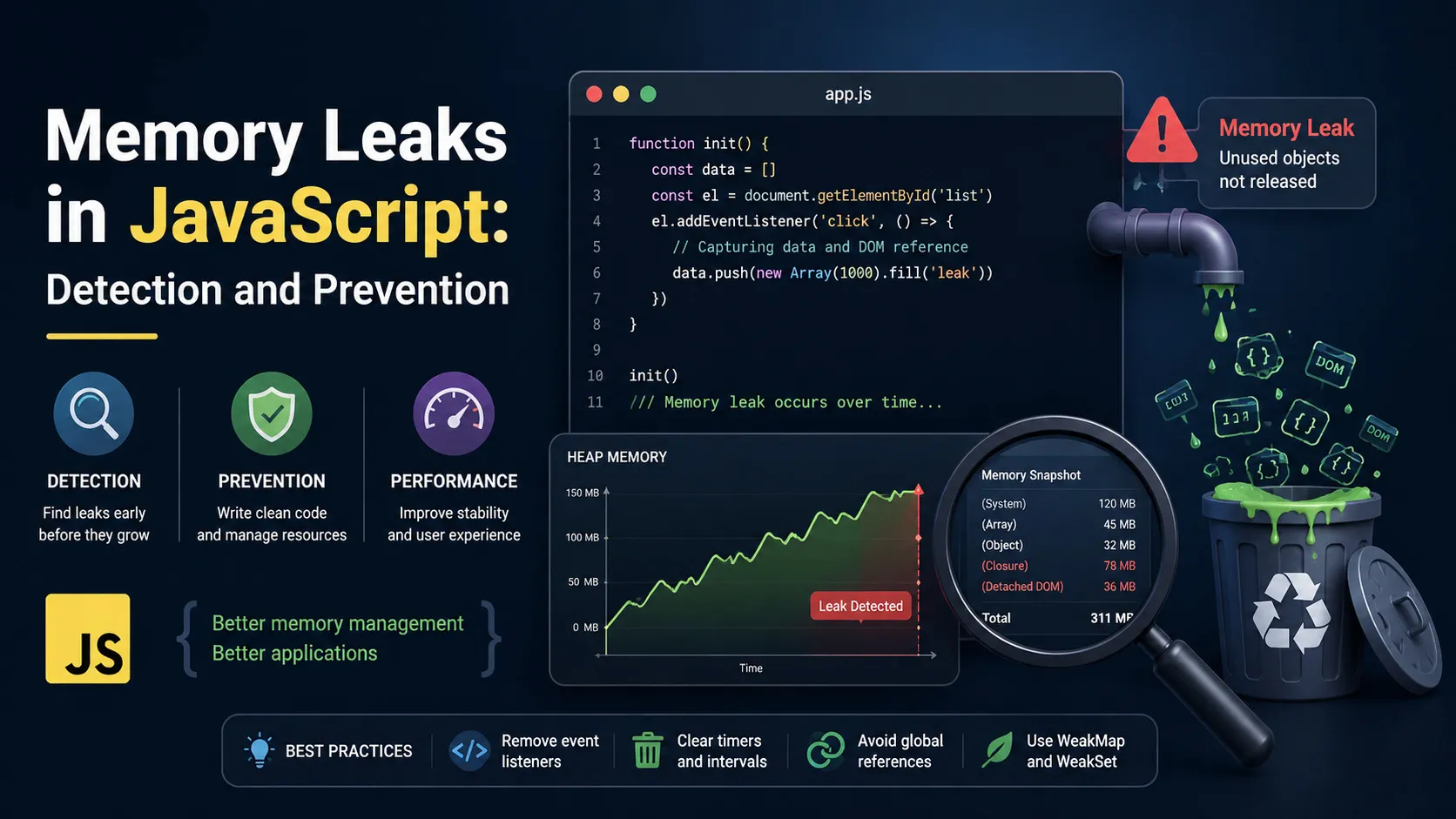
JavaScript Memory Leaks: Detect and Fix with Chrome DevTools
Find and fix JavaScript memory leaks with Chrome DevTools, heap snapshots, listener cleanup, timers, closures, and prevention patterns.

Vue.js Without NPM: Add Vue to Legacy Websites
Add Vue.js to a legacy website without npm using CDN setup, progressive enhancement, and safe integration with existing jQuery pages.

PWA Guide: Service Workers, Offline Mode, and Push
Build a PWA with service workers, web app manifest, offline support, caching strategy, and push notifications for app-like web UX.

Vue 3 Composition API: Practical Guide for Components
Learn Vue 3 Composition API with setup, ref vs reactive, lifecycle hooks, composables, and component patterns for real projects.