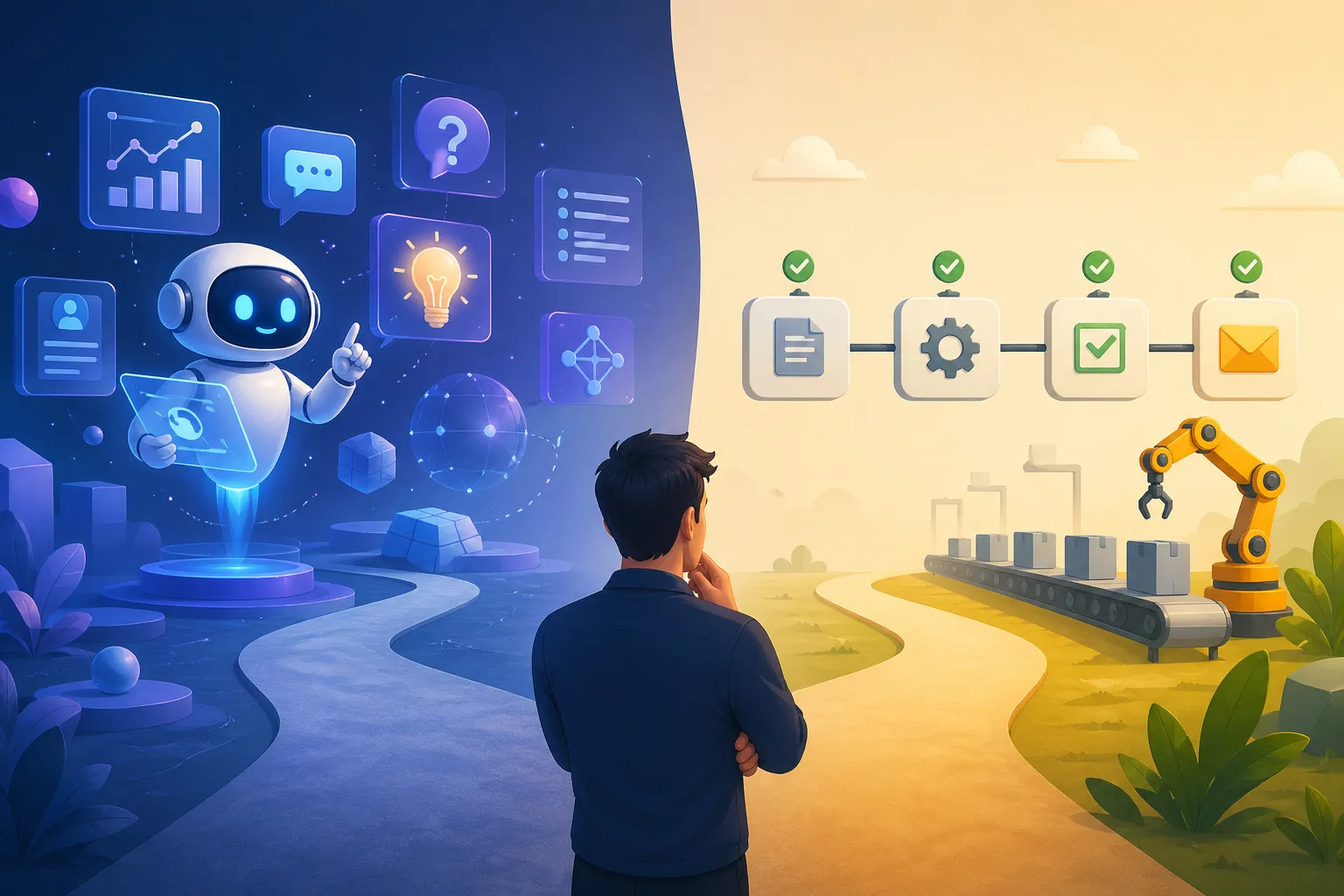
When Do You Need an AI Agent, and When Is Regular Automation Enough?
Table of Contents
- Introduction
- What Is the Difference Between an AI Agent and Regular Automation?
- When Is Regular Automation Already Enough?
- When Does an AI Agent Actually Make Sense?
- A Decision Framework for Developer Teams
- Safer Architecture Patterns
- Example Use Cases: Agent vs Automation
- Red Flags That Suggest You Are Reaching for an Agent Too Early
- Checklist Before Putting an AI Agent Into Production
- FAQ
Introduction
The term AI agent is everywhere right now. Many teams feel that if they are not using agents yet, they are already behind. In reality, many problems can be solved perfectly well with regular automation: clear rules, explicit triggers, and deterministic execution steps.
Problems start when teams jump straight to agents just because the concept sounds more advanced. The outcome is often not worth the extra cost, complexity, and operational risk. Agents can be extremely useful, but not every workflow needs dynamic reasoning, tool selection, or context-driven decisions.
This article explains how to tell when regular automation is enough, when an AI agent is actually justified, and how to make that decision more rigorously so your team does not get trapped by hype.
What Is the Difference Between an AI Agent and Regular Automation?
At a high level, regular automation follows a predefined workflow. If condition A happens, the system executes step B and produces output C. The path is clear and predictable.
An AI agent works differently. It is typically given a goal, access to tools or data sources, and asked to decide what to do next based on the available context. That means the path may vary from one execution to another.
The most practical distinction is this:
- Automation is strong for stable, rule-based workflows that can be clearly defined upfront.
- Agent is strong for workflows that require interpretation, dynamic step selection, or adaptation to changing conditions.
If your team can draw a straightforward flowchart with explicit rules, regular automation is probably enough. If that flowchart immediately branches because it depends on judgment, context summarization, or situational tool selection, then an agent becomes more reasonable.
When Is Regular Automation Already Enough?
Many use cases do not require agent capabilities at all.
Regular automation is usually enough when:
- inputs and outputs are structured
- business rules are relatively stable
- decisions can be expressed with if-else logic or a workflow engine
- error tolerance is very low
- the audit trail must be easy to reproduce and inspect
Examples that fit regular automation well:
1. Cross-system data synchronization
If the task is simply pulling form data, validating required fields, and sending the result to a CRM or database, you do not need an agent. A deterministic workflow is cheaper and easier to debug.
2. Trigger-based notifications
For example, if a deployment fails, send a Slack message in a predefined format. This is a clear rule and does not require extra reasoning.
3. Approval steps with explicit criteria
If purchase requests above a certain amount must go to a specific manager, traditional automation is more appropriate than an agent that tries to “figure out” the best approval route.
4. Data enrichment with stable patterns
If you are simply attaching metadata from a well-defined source, a normal ETL pipeline is usually more stable than an agent-based workflow.
The principle is simple: if the expected behavior can be defined precisely and rarely changes, do not add a probabilistic layer you do not actually need.
When Does an AI Agent Actually Make Sense?
An AI agent starts to make sense when the task can no longer be reduced to static rules without making the system brittle or painfully complex to maintain.
An agent becomes worth considering when a workflow has some of these traits:
- inputs are often messy or unstructured
- the system needs to understand intent, not just match fixed patterns
- the next step may change depending on context
- tools, data sources, or action sequences must be selected dynamically
- humans would normally need to read, interpret, and decide what to do next
Examples that are more agent-friendly:
1. Technical support ticket triage
If incoming tickets vary widely, an agent can help read the request, classify the problem, pull context from the knowledge base, and suggest an initial action. That is difficult to model with static rules without quickly exploding complexity.
2. Internal incident investigation
For cases like reading alerts, checking relevant logs, comparing recent changes, and summarizing likely root-cause hypotheses, an agent can provide real leverage. Guardrails are still necessary, but the reasoning itself adds value.
3. Copilot support for engineering workflows
When developers need help summarizing files, proposing test cases, planning a refactor, or identifying the most relevant code area, an agent can help because the task is context-heavy and not always linear.
4. Ambiguous knowledge-work workflows
For example, drafting responses to proposal requests, extracting key points from long documents, or choosing actions based on policies scattered across multiple sources. Here an agent is useful because it can unify distributed context.
The core idea is that agents are a good fit when you need adaptation, not just execution.
A Decision Framework for Developer Teams
To avoid debating this at the level of opinions, use a simple decision framework.
1. How clear are the rules?
If you can write the logic in a stable specification that another engineer can understand immediately, start with regular automation.
If the rules constantly change because there are too many exceptions, or if the rules are really just proxies for human judgment, an agent may be a better fit.
2. How expensive is a mistake?
The more expensive failure is, the stronger the case for deterministic systems.
For actions involving customer data, transactions, permissions, or production operations, regular automation is often safer. An agent may still help, but it should usually stay in an advisory role rather than full execution mode.
3. How unstructured is the input?
If inputs arrive as free-form emails, long chat threads, messy documents, or combinations of multiple sources, agents add value because they can interpret context.
If the input is already structured into fields, an agent often only adds cost and latency.
4. Is dynamic step selection required?
If the workflow must decide which tool to use, which document is most relevant, or what the next step should be based on runtime conditions, agents start to make sense.
If the sequence of actions is always the same, use a normal workflow.
5. Who owns the final decision?
In many teams, the best answer is neither full-agent nor full-automation. It is a hybrid system:
- the agent analyzes and recommends
- deterministic workflows execute the safe parts
- humans approve high-risk actions
This model is often much more realistic for production.
Safer Architecture Patterns
If you really do need an agent, do not immediately give it permission to do everything. Start with an architecture that limits risk.
Some healthier patterns include:
1. Agent for recommendations, another system for execution
The agent can summarize, classify, assemble options, or recommend the next step. Real execution should still be handled by deterministic services after validation.
2. Narrow tool access
Do not grant access to every endpoint, every file, or every possible action. Limit the agent to only the tools required for one specific use case.
3. Human in the loop for risky actions
If there are legal, financial, or operational consequences, require human approval before the agent performs the final action.
4. Observability from day one
Store important traces such as:
- the input used
- the context retrieved
- the tools invoked
- the reasoning behind the decision
- the final output
Without observability, agent failures become very difficult to debug.
5. Clear fallback behavior
If the agent fails to understand the context or has low confidence, the system should have a fallback: escalate to a human, return to a safe workflow, or stop with an explicit error.
The most important point is this: an agent should expand team capability, not expand the failure surface without control.
Example Use Cases: Agent vs Automation
To make this more concrete, consider these comparisons.
A. Routing inbound email
- If email format is consistent and categories are limited, rule-based automation is enough.
- If emails vary heavily, are often ambiguous, and require intent reading, an agent is better suited for initial classification.
B. Running a deployment rollback
- Production rollback is almost always better handled through deterministic workflows with explicit approval.
- An agent can help analyze logs or summarize an incident, but it should not trigger rollback on its own without strong guardrails.
C. Answering internal team questions
- If questions are always tied to fixed FAQs, automation or simple retrieval is often enough.
- If answers require synthesizing multiple documents, policies, and project context, an agent becomes more useful.
D. Creating follow-up tickets from meeting notes
- If meeting notes follow a consistent structure, a template parser may be enough.
- If notes are messy, full of shorthand, and require inference about action items, an agent will usually perform better.
These examples show that the key difference is not whether a solution feels modern. The real issue is what kind of problem you are solving.
Red Flags That Suggest You Are Reaching for an Agent Too Early
Teams often move too quickly toward agents for three reasons: they want to look innovative, they are impressed by demos, or they are frustrated by old workflows that were never properly cleaned up.
Some red flags worth watching for:
-
The problem is still poorly defined
If you do not yet understand the basic inputs, outputs, and failure modes, an agent will only hide that confusion. -
The underlying rules can still be written down
If the problem can still be handled by a simple state machine or workflow engine, start there. -
There are no clear success metrics
Without metrics such as classification accuracy, time saved, error rate, or escalation ratio, the team cannot prove the agent is actually helping. -
Inference cost has not been modeled
An agent that looks impressive in a demo may be too expensive once traffic grows. -
There is no fallback design
If the only plan is “hopefully the model gets it right,” the system is not ready for production.
If any of these red flags appear, the more mature move is often to step back and reassess whether regular automation or a hybrid approach would be healthier.
Checklist Before Putting an AI Agent Into Production
Use this checklist before deciding that a use case truly needs an agent:
- Are the business rules genuinely too dynamic for regular automation?
- Is the input unstructured enough that agent reasoning adds real value?
- Are there guardrails that limit what the agent can do?
- Do high-risk actions still go through deterministic validation or human approval?
- Have cost, latency, and failure modes been measured?
- Are observability and audit trails in place?
- Is there a clear fallback when agent output is poor?
- Is there a metric to show the agent is actually better than the old workflow?
If most answers are still “not yet,” the more disciplined choice is usually to delay the agent and strengthen automation first.
FAQ
Are AI agents always more advanced than regular automation?
Technically they are more flexible, yes. But more flexible does not automatically mean more appropriate. For many stable workflows, regular automation wins because it is cheaper, more predictable, and easier to audit.
Is every internal chatbot automatically an agent?
No. Many chatbots are really just interfaces on top of retrieval or a specific workflow. A system only deserves the label agent if it truly chooses steps, tools, or actions dynamically based on context.
When should teams start with a hybrid system?
When part of the workflow clearly needs reasoning, but execution still needs to stay safe and controlled. This is common in support, engineering operations, and internal knowledge workflows.
Are agents suitable for workflows that touch sensitive data?
Only if controls are strong: narrow access, solid logging, deterministic validation, and human approval for important actions. Without those controls, the risk is too high.
How can a team prove an agent is worth using?
Compare it against an honest baseline. Measure whether it really improves quality, speed, or coverage compared with regular workflow automation, not whether it simply looks impressive in a demo.
References
- Anthropic: Building Effective Agents
- OpenAI: Practical Guide to Building Agents
- Martin Fowler: Patterns of Distributed Systems
Related Articles
- AI Native Engineer: Skills, Workflow, and Mindset for Modern Builders
- Context Engineering for Developers: How to Make AI More Accurate in Coding Workflows
- AI Coding Assistant Workflow: Practical Habits for Cleaner Output
Many teams do not need a smarter agent. They need a system with clearer boundaries, safer execution, and more disciplined ways to measure outcomes.
In your team’s workflow, which areas truly need dynamic reasoning, and which areas are already well served by regular automation? That question is usually more important than chasing the term agent.