Open Source Contribution: First PR and Maintainer Workflow
Table of Contents
- Introduction
- Why Contribute to Open Source?
- What Counts as a Contribution?
- How to Choose the Right Project
- Understand the Project Before Changing It
- Your First Contribution, Step by Step
- How to Write a Good Issue and Pull Request
- How to Work Well With Maintainers
- Common First-Contribution Mistakes
- A Practical First-Contribution Checklist
- FAQ
- Conclusion
Introduction
Open source can look intimidating from the outside. A repository may have thousands of files, unfamiliar conventions, experienced contributors, and issue discussions full of context you do not yet have. It is easy to assume that your first contribution must be a major feature or a clever bug fix.
It does not.
Good open source contribution starts with a much smaller goal: understand one problem, follow the project’s process, and make one useful change that others can review. The technical change matters, but so do communication, patience, and respect for the people maintaining the project.
This guide walks through the complete journey—from choosing a project to responding to review feedback—so your first contribution is useful for both you and the community.
Why Contribute to Open Source?
People contribute for many reasons, and “building a portfolio” is only one of them.
Learn from a real codebase
Tutorial projects are designed to be tidy. Real projects contain compatibility constraints, historical decisions, tests, release processes, and multiple valid solutions. Working inside those constraints develops judgment that isolated exercises rarely teach.
Practice collaboration in public
You learn to describe a problem, ask focused questions, explain trade-offs, receive feedback, and revise your work. Those skills transfer directly to professional engineering teams.
Improve tools you already use
If a missing example, confusing error, or small bug slows you down, fixing it may help hundreds of other users facing the same problem.
Build relationships and credibility
Consistent, thoughtful contributions allow maintainers and contributors to recognize how you work. A history of reliable small changes often says more than one oversized pull request.
The healthiest motivation is a combination of learning and helping. If your only goal is to collect contribution badges, maintainers will usually notice.
What Counts as a Contribution?
Source code is only one part of an open source project. Useful contributions also include:
- fixing unclear or outdated documentation
- reproducing a bug and writing precise steps
- adding a missing test case
- improving an error message
- translating documentation or interfaces
- reviewing pull requests when the project allows it
- answering questions from other users
- improving examples, accessibility, or developer tooling
- helping triage and label issues
Documentation is not a “lesser” contribution. A clear example can save the community more time than a complex internal refactor. Start where your understanding and the project’s needs overlap.
How to Choose the Right Project
The best first project is usually not the most famous one. It is a project you can understand, run, and care about.
Start with software you use
Look through the dependencies, libraries, themes, extensions, and documentation you encounter in your own work. Familiarity with the user experience helps you recognize real problems and verify whether a change improves them.
Check whether the project is active
Before investing time, inspect recent commits, releases, issue responses, and merged pull requests. A quiet repository is not automatically abandoned, but you should understand the likely review pace.
Look for contributor-friendly signals
A welcoming project commonly has:
- a
READMEwith setup instructions - a
CONTRIBUTINGguide - a code of conduct
- issue and pull request templates
- tests or documented validation steps
- labels such as
good first issue,help wanted, ordocumentation - recent, respectful interaction between maintainers and contributors
Labels are helpful filters, not guarantees that an issue is easy or still available. Read the entire discussion before claiming one.
Match the scope to your current capacity
Choose a change you can investigate and explain. A one-line fix may require deep domain knowledge, while a ten-line documentation correction may be straightforward. Judge complexity by uncertainty, not by line count.
Understand the Project Before Changing It
Do a short orientation pass before writing code.
Read the local rules
Review README.md, CONTRIBUTING.md, the code of conduct, and any files specifically mentioned by them. These often define branch strategy, formatting, tests, commit style, and whether an issue is required before a pull request.
Project instructions override habits from your own repositories. If the guide asks for one focused commit or a changelog entry, follow it.
Study similar changes
Search for a recently merged pull request similar to the work you want to do. It reveals the expected scope, description format, test evidence, and review style better than guesswork.
Run the project unchanged
Install dependencies and run the relevant tests before editing anything. This confirms that your environment works and separates pre-existing failures from failures introduced by your change.
Confirm ownership
Check whether someone is already assigned or has opened a pull request. If the task is substantial or ambiguous, comment on the issue with a short proposed approach before investing hours.
Do not write “Can I take this?” and disappear. A more useful message is:
I reproduced this on version 3.2 using Node 22. I would like to update the parser and add a regression test for the empty-input case. Does that direction fit the project?
Your First Contribution, Step by Step
The exact workflow varies, but most repository-based projects follow this sequence.
1. Fork and clone the repository
Create a fork under your account, then clone it locally:
git clone https://github.com/your-username/project.git
cd project
Add the original repository as upstream so you can synchronize later:
git remote add upstream https://github.com/original-owner/project.git
git remote -v
2. Create a focused branch
Start from the latest default branch and use a descriptive name:
git fetch upstream
git switch main
git rebase upstream/main
git switch -c fix/empty-config-validation
Avoid developing directly on your fork’s default branch. A separate branch makes updates and pull requests easier to manage.
3. Reproduce the problem
For a bug, first create the smallest reliable reproduction. When possible, turn it into a failing test. This proves that you understand the issue and gives the eventual fix a clear success condition.
4. Make the smallest complete change
Keep unrelated cleanup out of the contribution. Renaming files, reformatting a module, and fixing a bug in one pull request makes review harder and rollback riskier.
“Small” does not mean incomplete. Update tests, documentation, types, or changelog entries when the project’s rules require them.
5. Validate locally
Run the relevant automated checks:
npm test
npm run lint
npm run build
Use the commands documented by the project. Also perform a manual check when behavior is difficult to capture automatically.
6. Commit with intent
A useful commit message explains the outcome:
fix: handle empty configuration filesIf the project has a commit convention, follow it. Avoid messages such as update, changes, or fix stuff, which provide no useful history.
7. Synchronize before opening the pull request
If upstream changed while you worked, update your branch according to the project’s preferred workflow:
git fetch upstream
git rebase upstream/main
Resolve conflicts carefully, rerun tests, and then push your branch:
git push -u origin fix/empty-config-validation8. Open the pull request
Complete the template rather than deleting it. Link the related issue, summarize what changed, explain how you tested it, and include screenshots for visible interface changes.
How to Write a Good Issue and Pull Request
A strong contribution reduces the amount of context maintainers must reconstruct.
A useful bug report includes
- the behavior you expected
- the behavior you observed
- minimal reproduction steps or a small repository
- relevant versions and environment details
- logs or screenshots with secrets removed
- what you already investigated
Search existing issues first. If you find a duplicate, add new reproduction details to the existing discussion rather than opening another copy.
A useful pull request description includes
## Problem

Empty configuration files cause the parser to throw an unclear TypeError.

## Changes

- return a structured validation error for empty input
- add a regression test
- document the empty-file behavior

## Validation

- unit tests pass
- reproduced the original failure on Node 22

Closes #123
The description should explain why the change exists, not merely repeat the diff. Reviewers can see the code; they cannot automatically see your investigation and assumptions.
How to Work Well With Maintainers
Maintainers may be volunteers, may work across time zones, or may be responsible for a project alongside a full-time job. Good collaboration respects that reality.
Be patient without becoming passive
Check the project’s normal response time before following up. A polite reminder after a reasonable interval is fine. Daily pings, mentions across channels, and demands for immediate review are not.
Treat review as collaboration
Feedback on a pull request is not rejection of you. Ask questions when a request is unclear, explain constraints when you disagree, and update the pull request when the reviewer identifies a real issue.
A concise response works well:
Good catch. I added the missing Windows path case and updated the test in commit
abc1234.
Keep discussion visible
Use the issue or pull request for decisions relevant to the contribution. Public context helps future contributors understand why the code works the way it does.
Accept “no” gracefully
A technically correct change may still conflict with roadmap, compatibility, maintenance, or design constraints. Maintainers are responsible for the long-term cost. You can ask for the reasoning, learn from it, and move on without turning disagreement into conflict.
Respect community boundaries
Follow the code of conduct. Do not contact maintainers through personal accounts about a review unless the project explicitly invites that channel. Never include credentials, private user data, or undisclosed security vulnerabilities in a public issue.
Common First-Contribution Mistakes
Starting with an oversized change
Large contributions take longer to understand and review. Begin with a focused issue so you can learn the workflow and build trust.
Changing code before discussing direction
For significant features, an implementation can be polished and still be rejected because the project does not want the behavior. Align on the problem and approach first.
Ignoring project-specific instructions
A good change can still create extra work if it skips tests, uses the wrong target branch, or violates the repository’s formatting rules.
Mixing unrelated improvements
“While I was here” changes increase the review surface. Open a separate issue or pull request for unrelated cleanup.
Asking maintainers to debug your environment immediately
Search the documentation and existing issues, capture the exact error, and narrow the failure first. When you ask for help, show what you tried.
Taking feedback personally
Review comments should focus on the work, but written communication can sound more direct than intended. Clarify the technical expectation before assuming negative intent.
Disappearing after opening the pull request
Watch for review comments and CI failures. If you can no longer continue, say so; another contributor may be able to take over.
A Practical First-Contribution Checklist
Before coding
- I can explain the problem in my own words.
- I read the contributor guide and code of conduct.
- I searched for duplicate issues and pull requests.
- I checked whether someone is already working on it.
- I confirmed the expected approach when the scope was unclear.
- I can run the project and its relevant tests unchanged.
Before opening the pull request
- The change solves one focused problem.
- I avoided unrelated formatting or refactoring.
- I added or updated the required tests and documentation.
- Local tests, linting, and build checks pass.
- The branch is synchronized with upstream.
- The commit messages follow the project convention.
- The pull request explains the problem, solution, and validation.
- Screenshots and logs contain no sensitive information.
After opening the pull request
- I checked the automated CI results.
- I responded to review comments clearly.
- I reran tests after revisions or conflict resolution.
- I thanked the reviewers and respected the final decision.
FAQ
Do I need to be an expert before contributing?
No. You need enough understanding to make and explain a scoped change. Good contributor guides, tests, and review exist partly to help people participate safely. Be honest about uncertainty instead of pretending to know more than you do.
Is a good first issue always easy?
No. The label usually means the problem is relatively bounded or suitable for onboarding, but setup, domain knowledge, and repository age can still make it difficult. Read recent comments and ask a focused question if needed.
Should I ask permission before fixing an issue?
For a tiny documentation fix, often not. For a feature, architectural change, or issue requiring significant time, discuss the approach first. Always follow the repository’s contribution guide.
What if my pull request receives no response?
Check the project’s usual review pace and whether maintainers have posted availability notes. After a reasonable wait, leave one polite follow-up. If the project remains inactive, you may choose another project without treating the time as wasted—the investigation still taught you something.
What if the tests already fail before my change?
Document the exact pre-existing failure and verify that your change does not add another one. Ask the maintainer how they want it handled rather than silently presenting the full suite as passing.
Can I use AI to make an open source contribution?
Only when the project’s policy allows it, and you remain responsible for every line, claim, and license implication. Review generated code, test it, disclose assistance when required, and never flood maintainers with unverified automated pull requests.
Conclusion
Your first open source contribution does not need to impress everyone. It needs to be understandable, useful, and respectful of the project’s process.
Start with software you care about. Read before editing. Keep the scope focused. Explain the problem and validation clearly. Respond to feedback with curiosity, and remember that maintainers are people managing long-term consequences—not a free review service.
One well-prepared documentation fix, regression test, or small bug fix is enough to cross the gap from user to contributor. The second contribution will already feel less mysterious.
What project would you like to make your first contribution to? Start by finding one small problem you can describe clearly.
Related Articles
Keep reading within the same topic.
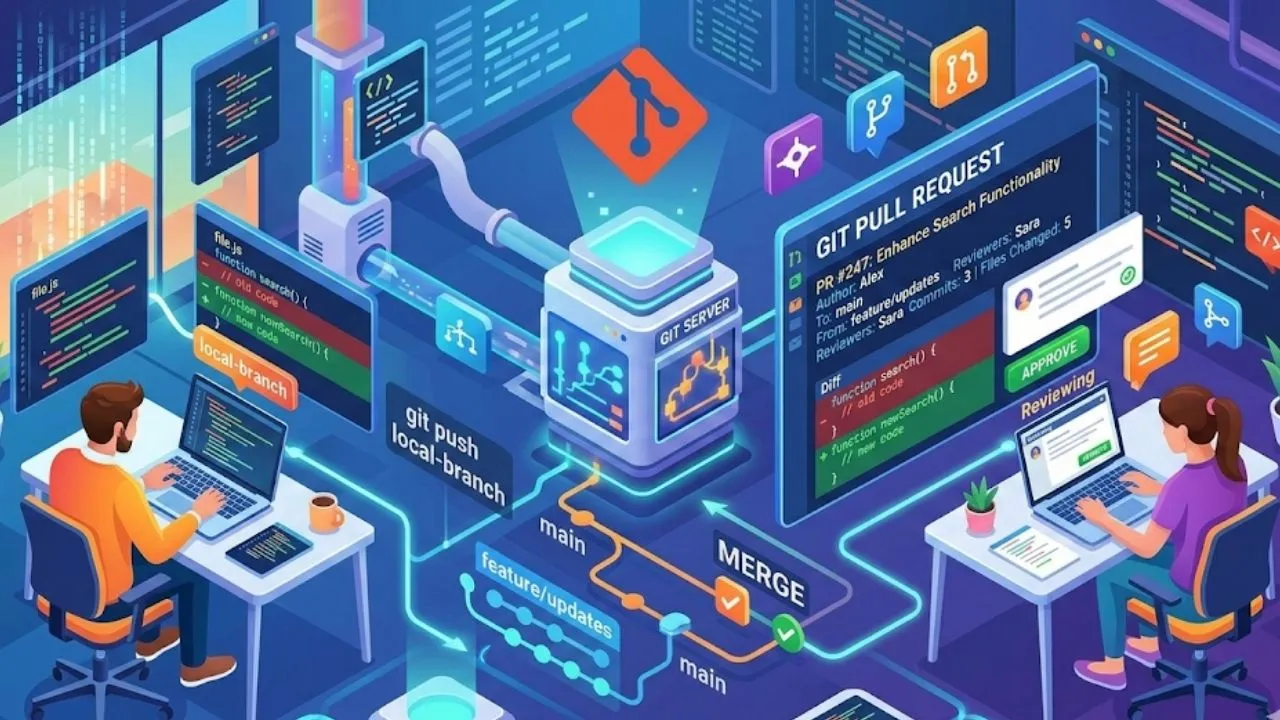
Git Pull Request Guide: Cleaner PRs and Faster Reviews
Learn Git pull request basics, cleaner PR structure, review etiquette, merge safety, and team workflows for faster code review.
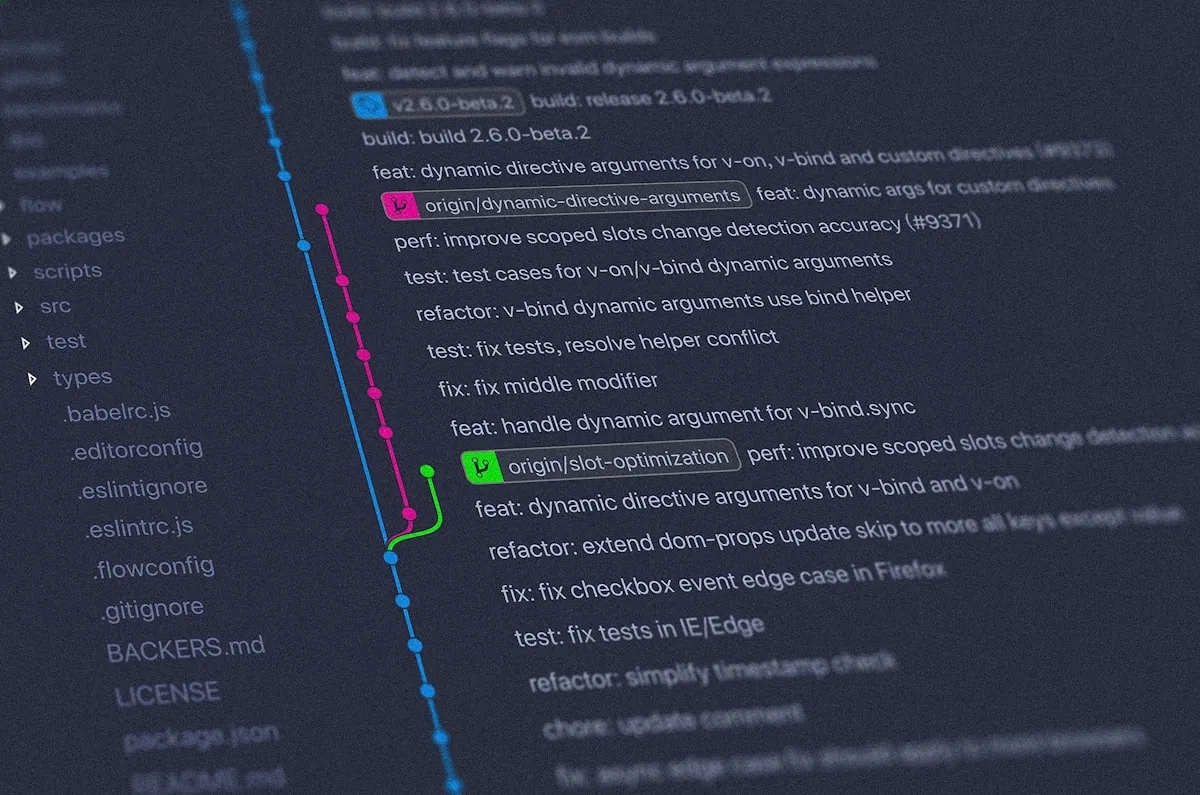
Git Workflow Best Practices for Better Team Collaboration
Improve team collaboration with practical Git workflows, branch strategy, commit conventions, pull requests, and safer version control habits.
OpenClaw AI Assistant: Local-First Personal Command Center
Explore OpenClaw as a local-first AI assistant and personal command center for messaging apps, workflows, and multi-channel automation.
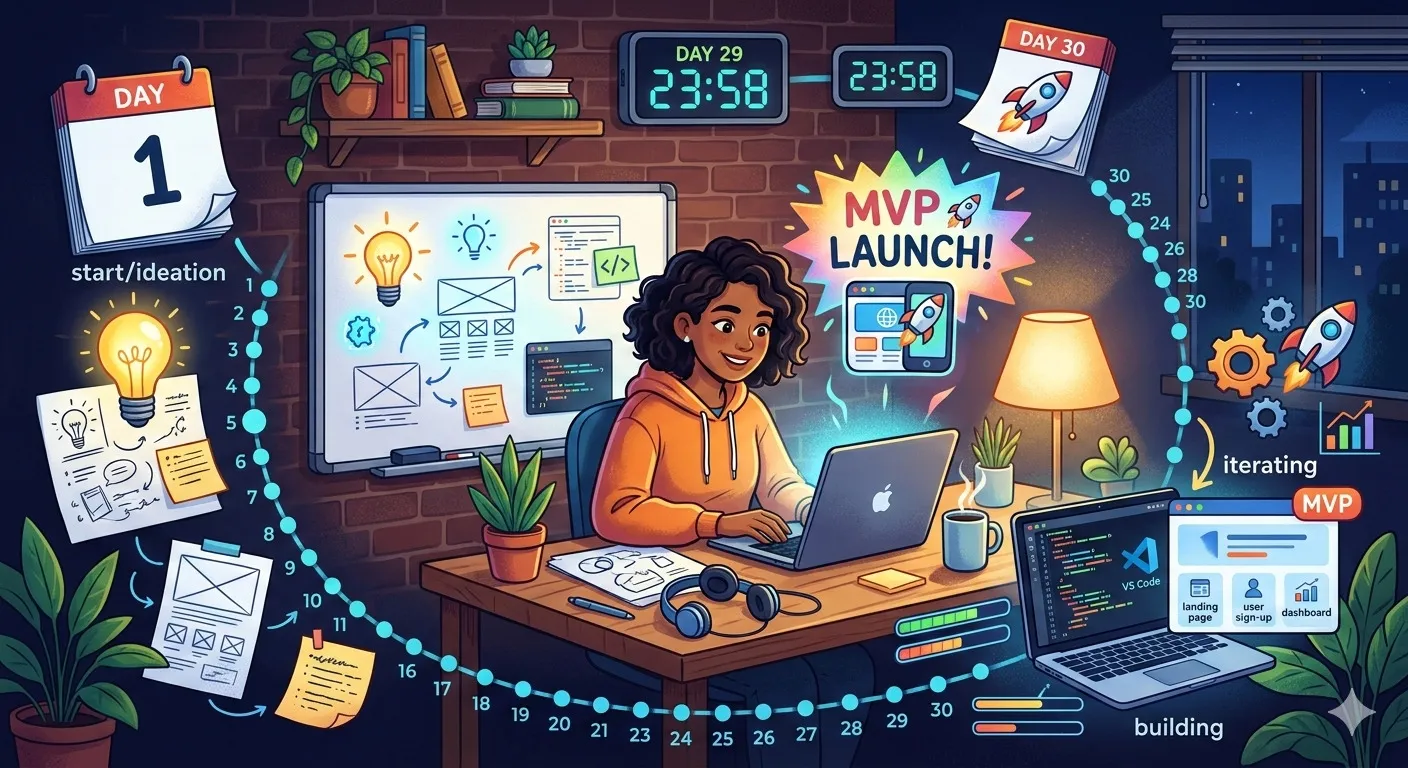
30-Day Side Project Plan: Build an MVP Portfolio
Follow a 30-day side project plan from idea validation and scope cutting to MVP build, polish, launch, and portfolio presentation.