Flask Learning Path: Python Web Series Summary
This series takes a close look at how a Flask web application works. A request enters through a route, Python processes the data, and the result leaves as HTML or JSON. As the application grows, forms, databases, authentication, tests, and production configuration appear when each one solves a real need.
Use this page as the return point for the whole series. Follow the articles in order, or open a specific topic when it matches a problem in your own Flask project.
Flask Learning Order
- Flask Tutorial: Setup and First Route
Set up a virtual environment, install Flask, create
app.py, and follow the first request until it appears in a browser. - Flask Routing: URLs, Requests, and Responses Distinguish paths, query strings, HTTP methods, and status codes so routes are clear to clients.
- Flask Jinja Templates: Layouts, Variables, and Loops Move HTML into templates, pass route data, and use loops, conditionals, and layout inheritance.
- Flask Forms: Input, Validation, and Flash Messages Accept user input with a GET, POST, and redirect flow, then provide useful feedback.
- Flask Static Files: CSS, JavaScript, and Assets
Organize static files and connect CSS, JavaScript, and images through
url_for. - Flask Project Structure: Blueprints, Templates, and Config Split routes by responsibility without making the project more complicated than necessary.
- Flask SQLAlchemy: Database Connection and Models Connect SQLite, define a model, create tables, and understand the database session.
- Flask CRUD with SQLAlchemy: Create, Read, Update, Delete Combine routes, forms, templates, and a database into a complete note CRUD flow.
- Flask Authentication: Login, Sessions, and Logout Store password hashes, load the current user, and protect routes that require login.
- Flask JSON APIs: Request Bodies, jsonify, and Status Codes Build JSON endpoints with payload validation, consistent errors, and meaningful status codes.
- Testing Flask with Pytest and Test Client Test pages and APIs with fixtures, the test client, and an isolated temporary database.
- Deploying Flask: Gunicorn, Environment, and Production Checklist Move configuration to the environment and prepare Gunicorn, migrations, logs, and health checks.
You Do Not Need to Finish Everything First
If your goal is a server-rendered website, the setup through CRUD articles are enough to produce a useful project. Authentication can arrive when data actually needs to belong to a particular user.
If your focus is an API, routing, databases, CRUD, JSON, and testing form the most relevant path. Jinja and static files are still useful for understanding Flask’s web side, but they do not have to sit at the center of an API project.
The order above lets new concepts appear beside the problem they solve. Blueprints make more sense after routes multiply, a database becomes necessary when an in-memory list is no longer enough, and testing becomes valuable as application behavior grows.
Final Project Shape
# File: flask-series-structure.txt
flask-series/
├── app.py
├── config.py
├── models.py
├── routes/
│   ├── auth.py
│   ├── notes.py
│   └── api.py
├── templates/
│   ├── base.html
│   └── notes/
├── static/
│   └── css/app.css
└── tests/
    └── test_app.py
This structure is the result of the project growing, not something that must exist before the first route. Start with app.py, then add folders when a new responsibility truly appears. Every file should have a reason to exist.
Turn the Examples into One Project
Treat the series like a small workshop. Run each example, rename the resource, add a field, and deliberately send invalid input. Small changes reveal which part belongs to the browser, Flask, Jinja, or the database.
After the pieces work separately, combine them into a notes application. Add user accounts, give each note an owner, provide CRUD pages, and write several tests for login and important endpoints. The project remains small enough to finish while still covering realistic backend flows.
Where to Go Next
To go deeper with Flask, choose one need the project does not cover yet: pagination, file uploads, email, background jobs, caching, or role-based authorization. Pick one at a time so the project still reaches a finished state and each behavior remains easy to test.
If APIs are the main interest, continue with the FastAPI series. Routes, requests, responses, databases, authentication, and testing all carry over. FastAPI adds type hints as schemas, automatic validation, OpenAPI documentation, and dependency injection.
The framework changes, but the core questions stay the same: what data enters, who may access it, how it is stored, which response is promised, and which tests protect that behavior. Those are the main skills this Flask series is designed to leave with you.
Related Articles
Keep reading within the same topic.
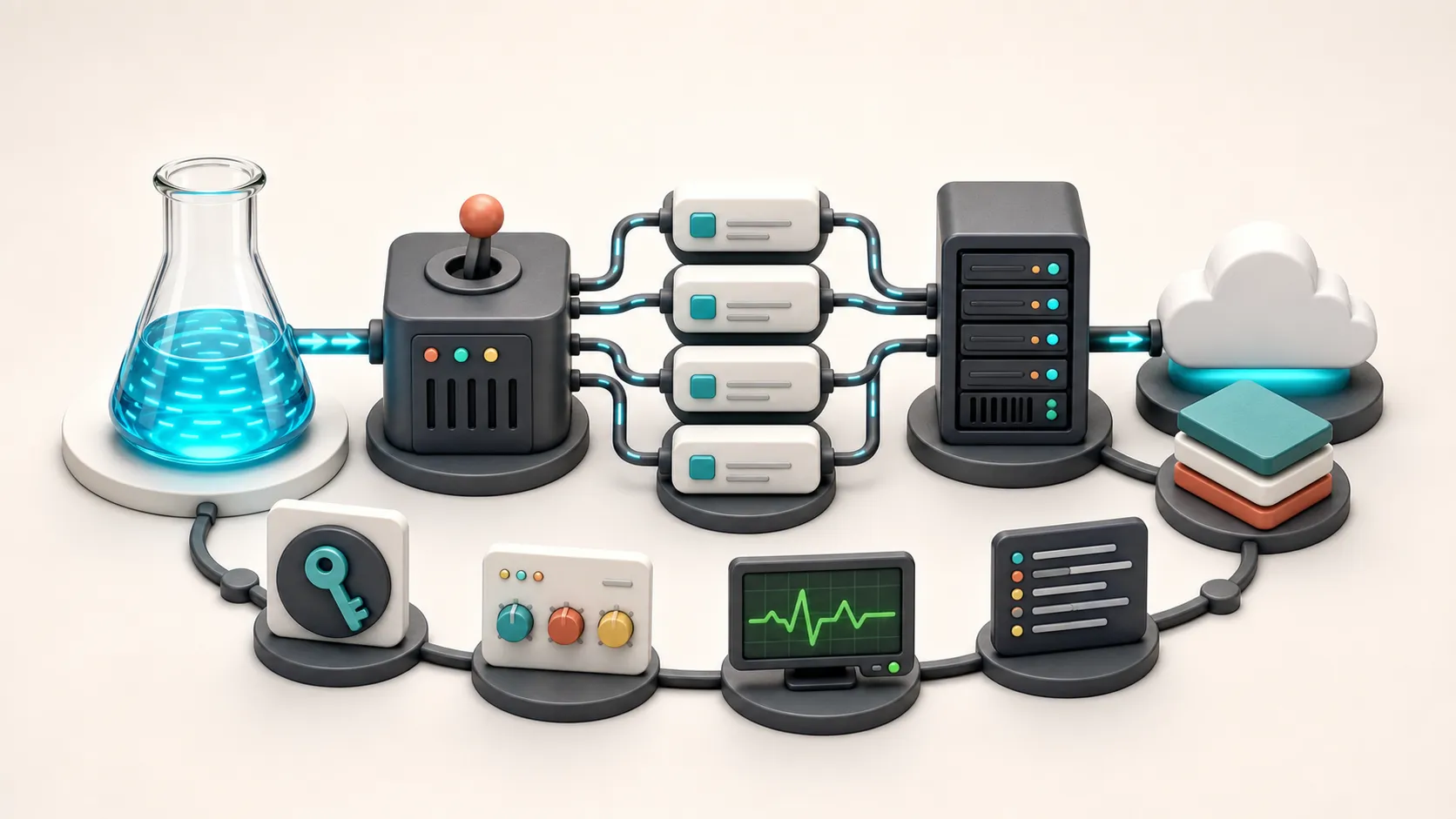
Deploying Flask: Gunicorn, Environment, and Production Checklist
Prepare Flask for production with Gunicorn, environment variables, database migrations, static files, logging, health checks, and a release checklist.
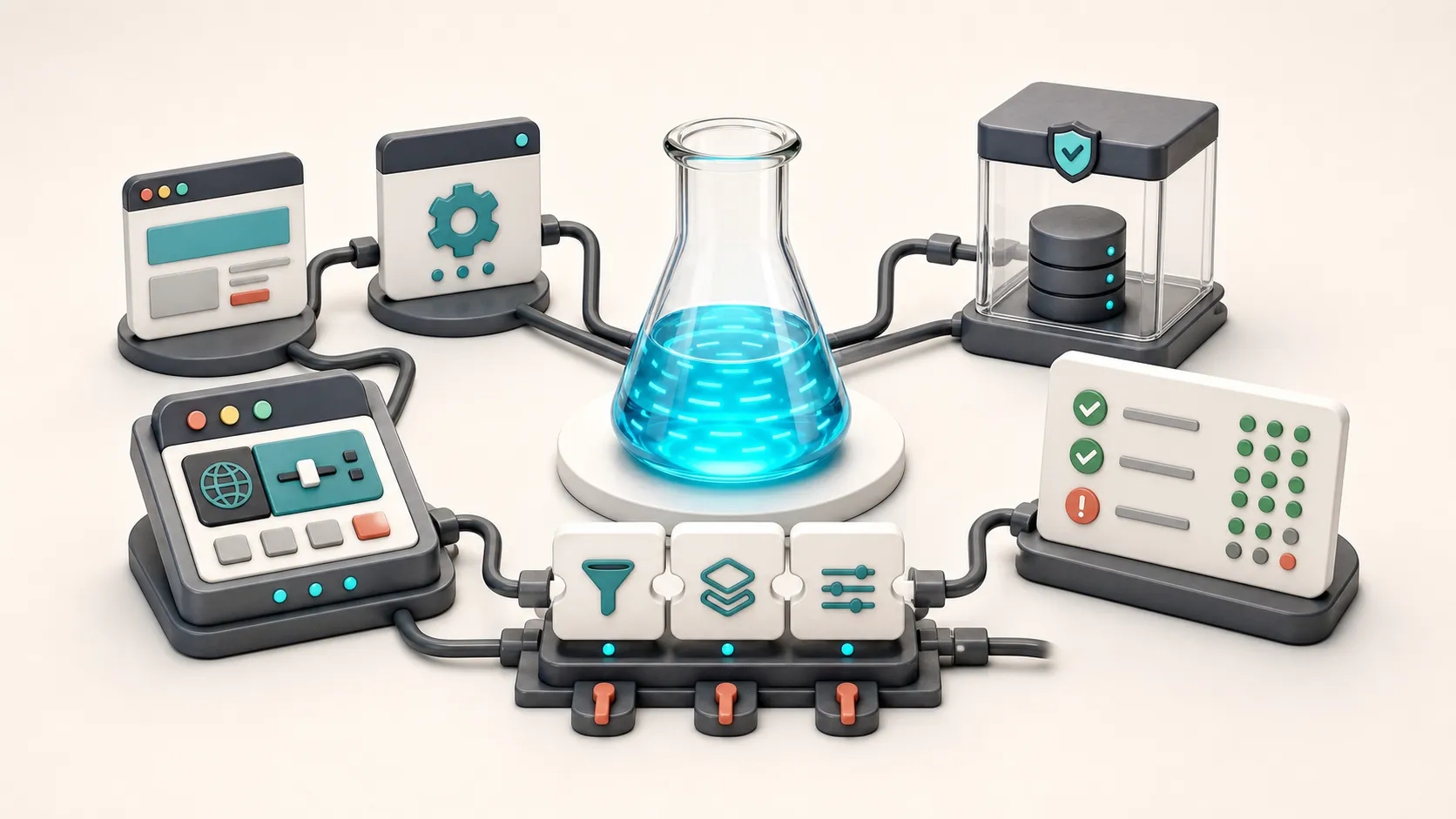
Testing Flask with Pytest and Test Client
Test Flask with pytest, app and client fixtures, an isolated database, GET/POST requests, and assertions for HTML and JSON.
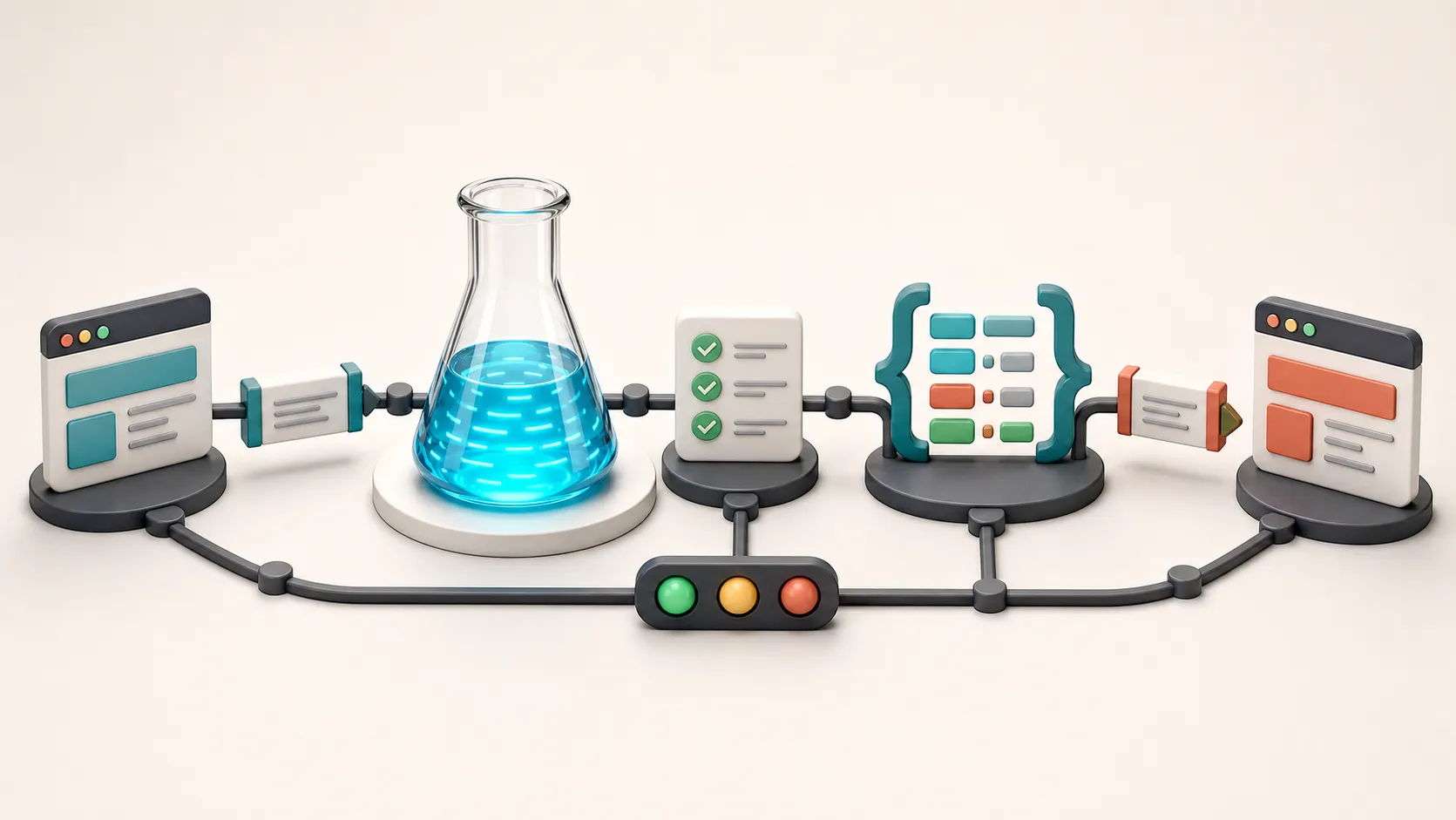
Flask JSON APIs: Request Bodies, jsonify, and Status Codes
Build a Flask JSON API that reads request bodies, validates payloads, stores notes, and returns consistent responses and status codes.

Flask Authentication: Login, Sessions, and Logout
Build Flask authentication with password hashes, login sessions, a current user, protected routes, and logout without storing plaintext passwords.