Node.js Best Practices: Error Handling, Async, and Security
Introduction: Building Scalable Backend Applications
Node.js has become the go-to runtime for building scalable backend applications. Its event-driven, non-blocking I/O model makes it perfect for I/O-intensive applications. This comprehensive guide covers best practices for building production-grade Node.js applications.
Table of Contents
- Introduction
- Project Structure
- Asynchronous Programming
- Error Handling
- Middleware Pattern
- Environment Configuration
- Security Best Practices
- Database Optimization
- Performance Optimization
- Testing
- Logging and Monitoring
- Deployment
Project Structure
Organizing your Node.js project properly ensures maintainability and scalability as your application grows.
Recommended Project Layout
A well-organized structure separates concerns and makes code easier to understand and test.
my-app/
├── src/
│   ├── controllers/       # Request handlers
│   ├── services/          # Business logic
│   ├── models/            # Database models
│   ├── routes/            # Route definitions
│   ├── middleware/        # Express middleware
│   ├── utils/             # Utility functions
│   ├── config/            # Configuration files
│   ├── validators/        # Input validation
│   ├── constants/         # Constants
│   └── app.js             # Express app setup
├── tests/                 # Test files
├── migrations/            # Database migrations
├── .env                   # Environment variables
├── .env.example           # Environment template
├── package.json
├── server.js              # Entry point
└── README.md
Separation of Concerns
Keep each layer focused on a specific responsibility:
Route Layer     → Receives HTTP requests
Controller      → Orchestrates logic
Service Layer   → Contains business logic
Data Layer      → Database operations
Utils           → Helper functions
Asynchronous Programming
Node.js is built on asynchronous I/O. Understanding async patterns is critical for writing efficient code.
Callbacks (Legacy Pattern)
Callbacks are the original async pattern but can lead to “callback hell.”
// ❌ Callback hell
fs.readFile('file1.txt', (err, data1) => {
  if (err) throw err;
  fs.readFile('file2.txt', (err, data2) => {
    if (err) throw err;
    fs.readFile('file3.txt', (err, data3) => {
      if (err) throw err;
      console.log(data1, data2, data3);
    });
  });
});
Promises
Promises provide better structure and composability than callbacks.
// ✅ Promise-based
readFile('file1.txt')
  .then(data1 => readFile('file2.txt'))
  .then(data2 => readFile('file3.txt'))
  .then(data3 => console.log(data1, data2, data3))
  .catch(err => console.error(err));
Async/Await (Modern Best Practice)
Async/await makes asynchronous code look and feel synchronous.
// ✅ Async/Await - Most readable
async function readFiles() {
  try {
    const data1 = await readFile('file1.txt');
    const data2 = await readFile('file2.txt');
    const data3 = await readFile('file3.txt');
    console.log(data1, data2, data3);
  } catch (error) {
    console.error('Error:', error);
  }
}

readFiles();
Parallel Execution with Async/Await
Use Promise.all() to execute multiple async operations in parallel.
// Execute operations in parallel
async function fetchUserData(userId) {
  try {
    // These execute in parallel, not sequentially
    const [user, posts, comments] = await Promise.all([
      getUser(userId),
      getPosts(userId),
      getComments(userId)
    ]);

    return { user, posts, comments };
  } catch (error) {
    console.error('Error fetching data:', error);
  }
}
Error Handling
Proper error handling prevents cascading failures and improves user experience.
Try/Catch with Async/Await
Wrap async operations in try/catch blocks to handle errors gracefully.
async function getUser(id) {
  try {
    const user = await User.findById(id);

    if (!user) {
      const error = new Error('User not found');
      error.statusCode = 404;
      throw error;
    }

    return user;
  } catch (error) {
    console.error('Error fetching user:', error);
    throw error; // Re-throw for Express to handle
  }
}
Express Error Handling Middleware
Centralize error handling with Express middleware.
// Error handling middleware (must be last)
app.use((err, req, res, next) => {
  console.error('Error:', err);

  const statusCode = err.statusCode || 500;
  const message = err.message || 'Internal Server Error';

  res.status(statusCode).json({
    error: {
      message,
      status: statusCode,
      ...(process.env.NODE_ENV === 'development' && { stack: err.stack })
    }
  });
});
Custom Error Classes
Create custom error classes for better error management.
class AppError extends Error {
  constructor(message, statusCode) {
    super(message);
    this.statusCode = statusCode;
    Error.captureStackTrace(this, this.constructor);
  }
}

class ValidationError extends AppError {
  constructor(message) {
    super(message, 400);
  }
}

class NotFoundError extends AppError {
  constructor(message = 'Not Found') {
    super(message, 404);
  }
}

// Usage
if (!user) {
  throw new NotFoundError('User not found');
}
Middleware Pattern
Middleware functions process requests before they reach route handlers.
Request/Response Middleware
const express = require('express');
const app = express();

// Built-in middleware
app.use(express.json());
app.use(express.urlencoded({ extended: true }));

// Logging middleware
app.use((req, res, next) => {
  const timestamp = new Date().toISOString();
  console.log(`${timestamp} ${req.method} ${req.path}`);
  next();
});

// Authentication middleware
app.use((req, res, next) => {
  const token = req.headers.authorization?.split(' ')[1];

  if (!token) {
    return res.status(401).json({ error: 'No token provided' });
  }

  try {
    req.user = verifyToken(token);
    next();
  } catch (error) {
    res.status(401).json({ error: 'Invalid token' });
  }
});

// Route-specific middleware
app.get('/admin', authenticateAdmin, (req, res) => {
  res.json({ message: 'Admin access' });
});
Middleware Chaining
Chain multiple middleware functions to process requests through several layers.
// Middleware chain
const requestLogger = (req, res, next) => {
  req.startTime = Date.now();
  next();
};

const responseLogger = (req, res, next) => {
  const duration = Date.now() - req.startTime;
  console.log(`Response sent in ${duration}ms`);
  next();
};

app.use(requestLogger);
app.use(responseLogger);
Environment Configuration
Manage configuration across different environments using environment variables.
Using dotenv
Store sensitive configuration in .env files.
# .env
DATABASE_URL=mongodb://localhost:27017/mydb
PORT=3000
NODE_ENV=development
JWT_SECRET=super-secret-key
API_KEY=your-api-key
LOG_LEVEL=info
Configuration Module
// config.js
require('dotenv').config();

const config = {
  port: process.env.PORT || 3000,
  nodeEnv: process.env.NODE_ENV || 'development',
  database: {
    url: process.env.DATABASE_URL,
    options: {
      useNewUrlParser: true,
      useUnifiedTopology: true
    }
  },
  jwt: {
    secret: process.env.JWT_SECRET,
    expiresIn: '24h'
  },
  isProduction: process.env.NODE_ENV === 'production',
  isDevelopment: process.env.NODE_ENV === 'development'
};

// Validate required variables
if (!config.database.url) {
  throw new Error('DATABASE_URL is not set');
}

module.exports = config;
Security Best Practices
Input Validation
Always validate and sanitize user input.
const validator = require('validator');

// Validation middleware
const validateCreateUser = (req, res, next) => {
  const { email, password, name } = req.body;

  if (!email || !validator.isEmail(email)) {
    return res.status(400).json({ error: 'Invalid email' });
  }

  if (!password || password.length < 8) {
    return res.status(400).json({ error: 'Password too short' });
  }

  if (!name || name.length < 2) {
    return res.status(400).json({ error: 'Invalid name' });
  }

  next();
};

app.post('/users', validateCreateUser, createUser);
Security Headers
Use helmet middleware to set security headers.
const helmet = require('helmet');

app.use(helmet());

// This sets:
// - X-Frame-Options: DENY
// - X-Content-Type-Options: nosniff
// - X-XSS-Protection: 1; mode=block
// - Strict-Transport-Security
// - etc.
Rate Limiting
Prevent abuse with rate limiting middleware.
const rateLimit = require('express-rate-limit');

const limiter = rateLimit({
  windowMs: 15 * 60 * 1000, // 15 minutes
  max: 100, // 100 requests per windowMs
  message: 'Too many requests, please try again later'
});

// Apply to all routes
app.use(limiter);

// Or specific routes
app.post('/login', rateLimitLogin, login);
Database Optimization
Connection Pooling
Reuse database connections for better performance.
const mongoose = require('mongoose');

const connectDB = async () => {
  try {
    await mongoose.connect(process.env.DATABASE_URL, {
      maxPoolSize: 10,
      minPoolSize: 5,
      socketTimeoutMS: 30000
    });
    console.log('Database connected');
  } catch (error) {
    console.error('Database connection failed:', error);
    process.exit(1);
  }
};
Query Optimization
Use indexes and projection to optimize queries.
// Add indexes to frequently queried fields
userSchema.index({ email: 1 });
userSchema.index({ createdAt: -1 });

// Use projection to select only needed fields
const user = await User
  .findById(id)
  .select('name email') // Only select these fields
  .lean(); // Return plain JS objects, not Mongoose docs
Performance Optimization
Caching
Reduce database queries with caching.
const redis = require('redis');
const client = redis.createClient();

// Cache user data
async function getUser(id) {
  // Check cache first
  const cached = await client.get(`user:${id}`);
  if (cached) {
    return JSON.parse(cached);
  }

  // Get from database
  const user = await User.findById(id);

  // Store in cache (1 hour expiry)
  await client.setex(`user:${id}`, 3600, JSON.stringify(user));

  return user;
}
Compression
Enable gzip compression for responses.
const compression = require('compression');

app.use(compression());

// Reduces response size by ~70% for text/JSON
Testing
Write tests to ensure code reliability.
const request = require('supertest');
const app = require('../app');

describe('User API', () => {
  it('should create a user', async () => {
    const response = await request(app)
      .post('/api/users')
      .send({
        email: '[email protected]',
        password: 'password123',
        name: 'Test User'
      });

    expect(response.status).toBe(201);
    expect(response.body).toHaveProperty('id');
  });

  it('should return user by id', async () => {
    const response = await request(app)
      .get('/api/users/123');

    expect(response.status).toBe(200);
    expect(response.body).toHaveProperty('name');
  });
});
Logging and Monitoring
Structured Logging
Use proper logging libraries instead of console.log.
const winston = require('winston');

const logger = winston.createLogger({
  level: process.env.LOG_LEVEL || 'info',
  format: winston.format.json(),
  transports: [
    new winston.transports.File({ filename: 'error.log', level: 'error' }),
    new winston.transports.File({ filename: 'combined.log' })
  ]
});

if (process.env.NODE_ENV !== 'production') {
  logger.add(new winston.transports.Console({
    format: winston.format.simple()
  }));
}

// Usage
logger.info('User created', { userId: user.id });
logger.error('Database error', { error: err.message });
Deployment
Process Manager (PM2)
Use PM2 to manage Node.js processes in production.
// ecosystem.config.js
module.exports = {
  apps: [{
    name: 'api',
    script: './server.js',
    instances: 'max',
    exec_mode: 'cluster',
    env: {
      NODE_ENV: 'production'
    },
    error_file: './logs/error.log',
    out_file: './logs/out.log'
  }]
};
Docker Deployment
Containerize your Node.js application.
FROM node:18-alpine

WORKDIR /app

COPY package*.json ./
RUN npm ci --only=production

COPY . .

EXPOSE 3000

CMD ["node", "server.js"]
Best Practices Summary
✓ Use async/await for asynchronous operations ✓ Implement comprehensive error handling ✓ Validate all user input ✓ Use environment variables for configuration ✓ Implement logging and monitoring ✓ Write tests for critical functionality ✓ Use middleware for cross-cutting concerns ✓ Optimize database queries ✓ Implement caching strategies ✓ Use security middleware ✓ Monitor performance metrics ✓ Use containerization for deployment
Node.js powers millions of applications worldwide!
Project Structure
project/
├── src/
│   ├── controllers/
│   ├── services/
│   ├── models/
│   ├── routes/
│   ├── middleware/
│   └── config/
├── tests/
├── .env
└── server.js
Error Handling
// Async/await pattern
async function getUser(id) {
  try {
    const user = await User.findById(id);
    if (!user) throw new Error('User not found');
    return user;
  } catch (error) {
    console.error('Error:', error);
    throw error;
  }
}
Middleware Pattern
const express = require('express');
const app = express();

// Logging middleware
app.use((req, res, next) => {
  console.log(`${req.method} ${req.path}`);
  next();
});

// Error handling middleware
app.use((err, req, res, next) => {
  console.error(err);
  res.status(500).json({ error: err.message });
});
Environment Variables
// .env
DATABASE_URL=mongodb://localhost:27017/db
PORT=3000
NODE_ENV=development

// config.js
require('dotenv').config();

module.exports = {
  port: process.env.PORT,
  db: process.env.DATABASE_URL,
  env: process.env.NODE_ENV
};
Best Practices
- ✓ Use async/await for cleaner code
- ✓ Implement proper error handling
- ✓ Validate all input thoroughly
- ✓ Use security headers
- ✓ Implement rate limiting
- ✓ Structured logging
- ✓ Manage secrets with environment variables
Node.js powers millions of applications worldwide!
Related Articles
Keep reading within the same topic.

API Best Practices: Build Secure and Scalable APIs
Build secure, scalable APIs with practical guidance on authentication, versioning, error handling, documentation, and performance.
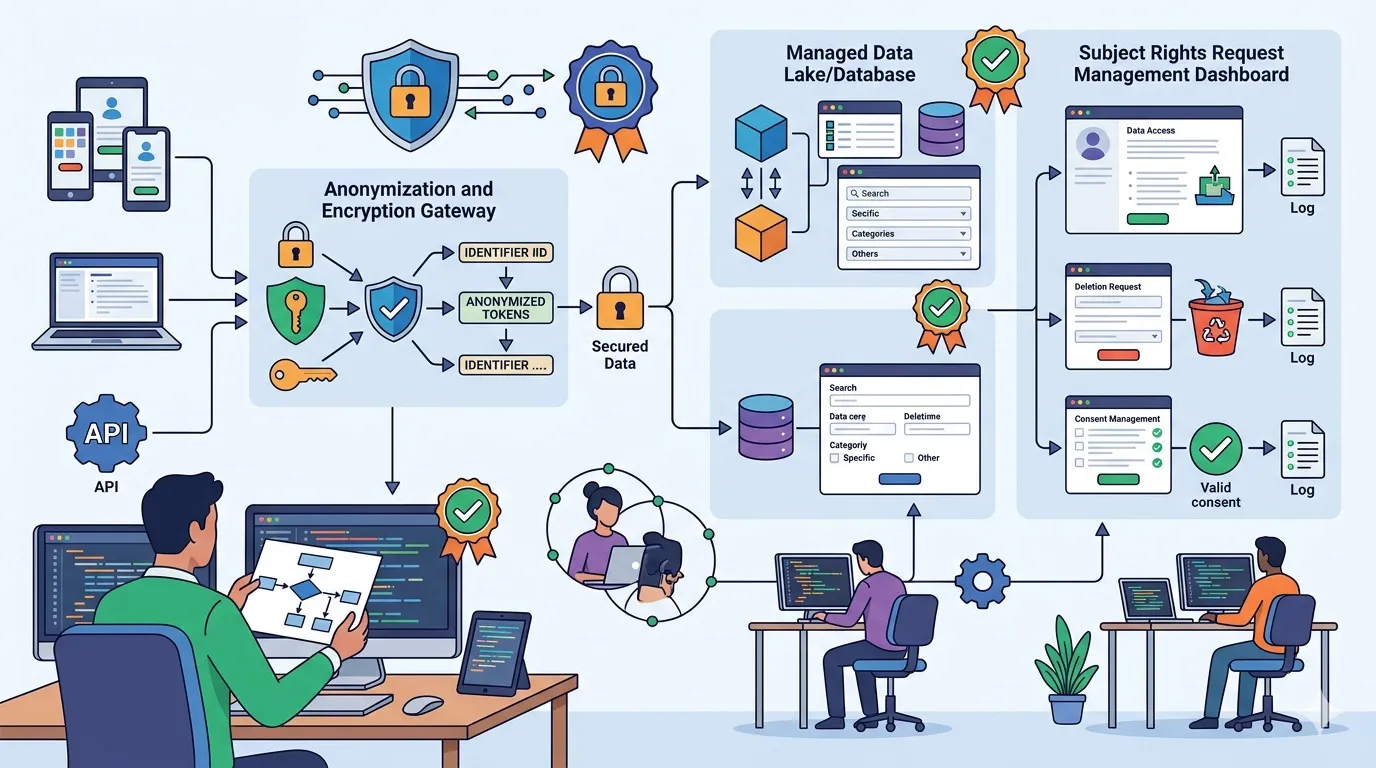
GDPR Compliance for Developers: Consent, Data Rights, and Security
Implement GDPR compliance with consent, data mapping, user rights, retention, security controls, and developer-friendly privacy workflows.
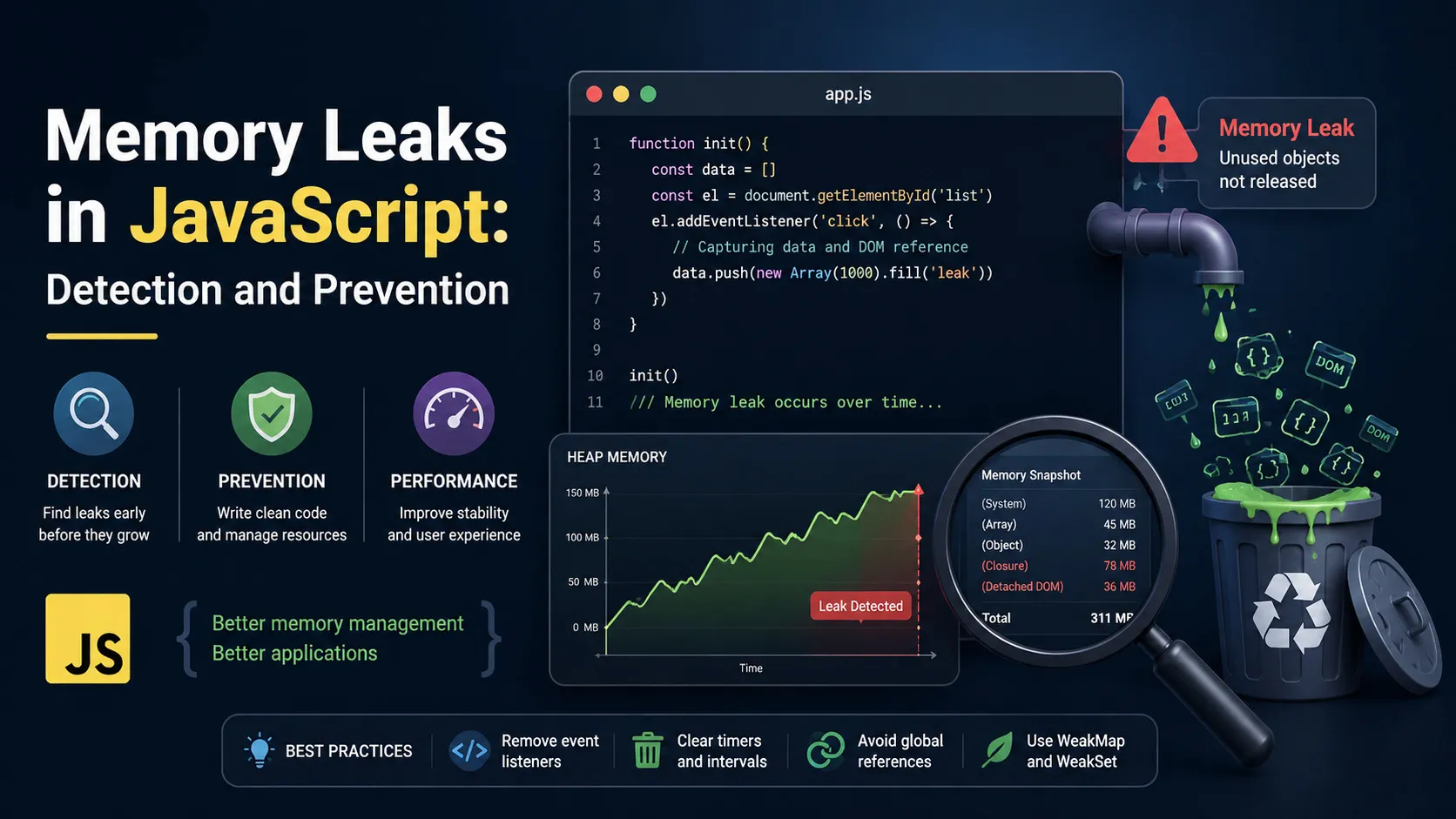
JavaScript Memory Leaks: Detect and Fix with Chrome DevTools
Find and fix JavaScript memory leaks with Chrome DevTools, heap snapshots, listener cleanup, timers, closures, and prevention patterns.
Mobile-First Design: Breakpoints, Images, and Layouts
Design mobile-first layouts with practical breakpoints, responsive images, flexible units, and testing habits for better cross-device UX.