Object-Oriented Python for Beginners: Classes, Objects, and Dataclasses
Object-oriented programming, or OOP, can sound large and academic. In practical Python, it can be understood simply: an object is data bundled with relevant behavior.
You do not need classes for everything. Plenty of Python code is better as plain functions. But when data and behavior keep moving together, classes can make code easier to organize.
Use OOP to clarify a domain boundary, not merely to make code look more professional. Before creating a class, ask: does this object have an identity, lasting data, and operations that belong with that data? If not, functions and dictionaries may be enough.
Objects as data plus behavior
Imagine an expense in a spending tracker. An expense has data:
- title
- amount
- category
It can also have behavior:
- checking whether the expense is large
- formatting the amount
- converting itself to a dictionary
If the data and behavior are usually used together, an object can help.
Objects can also protect rules. For example, a BankAccount can ensure that a balance never goes below an allowed limit. Keeping the rule near the data means callers do not have to repeat the same validation in many places.
Creating a simple class
A class is a blueprint. An object is the real thing created from that blueprint.
# File: 01-class-object.py
class Expense:
    pass

expense = Expense()
print(expense)
This creates an empty class. It is not useful yet, but it shows the basic shape.
init and instance attributes
The __init__ method runs when an object is created. Use it to receive initial data.
# File: 02-user-class.py
class Expense:
    def __init__(self, title, amount):
        self.title = title
        self.amount = amount

expense = Expense("Keyboard", 350_000)

print(expense.title)
print(expense.amount)
self refers to the object currently being created or used. self.title and self.amount are instance attributes because they belong to a specific instance.
Methods
A method is a function that lives inside a class.
# File: 03-init-attribute.py
class Expense:
    def __init__(self, title, amount):
        self.title = title
        self.amount = amount

    def is_large(self):
        return self.amount >= 100_000

expense = Expense("Keyboard", 350_000)
print(expense.is_large())
is_large() can access self.amount because the method belongs to the expense object.
Class vs instance
A class is the blueprint:
# File: 04-method.py
class User:
    pass
An instance is an object created from the class:
# File: 05-class-vs-instance.py
user_a = User()
user_b = User()
Each instance can have different data.
# File: 06-dataclass.py
class User:
    def __init__(self, name):
        self.name = name

user_a = User("Ayu")
user_b = User("Budi")

print(user_a.name)
print(user_b.name)
Understand this distinction before moving into heavier concepts such as inheritance.
Dataclasses for data objects
If a class is mostly data, dataclass keeps the code shorter.
# File: 07-bank-account.py
from dataclasses import dataclass

@dataclass
class Expense:
    title: str
    amount: int

    def is_large(self):
        return self.amount >= 100_000

expense = Expense("Keyboard", 350_000)
print(expense.is_large())
print(expense)
With dataclass, Python automatically creates __init__ and a readable object representation.
Use a dataclass when an object mainly acts as a data container. If validation or state changes must always follow a rule, add methods such as is_large() or use a regular class so the behavior stays close to the data.
Example: BankAccount
Classes are useful when rules need to protect data.
# File: 08-composition.py
class BankAccount:
    def __init__(self, owner, balance=0):
        self.owner = owner
        self.balance = balance

    def deposit(self, amount):
        if amount <= 0:
            raise ValueError("Amount must be positive")

        self.balance += amount

    def withdraw(self, amount):
        if amount > self.balance:
            raise ValueError("Insufficient balance")

        self.balance -= amount

account = BankAccount("Ayu")
account.deposit(100_000)
account.withdraw(40_000)

print(account.balance)
Without a class, owner, balance, and deposit/withdraw rules may spread across many functions. With a class, those rules stay close to the data they protect.
Notice that deposit() validates the amount before changing the balance. This is simple encapsulation: callers do not need to know how the balance changes; they call the available operation and handle an error if a rule is violated.
Composition over inheritance
Beginners often learn inheritance too early. Inheritance is useful, but it should not be the first tool you reach for.
Composition means an object contains another object.
# File: 09-inheritance-overuse.py
from dataclasses import dataclass

@dataclass
class Customer:
    name: str
    email: str

@dataclass
class Order:
    customer: Customer
    total: int

customer = Customer("Ayu", "[email protected]")
order = Order(customer, 250_000)

print(order.customer.email)
For many everyday applications, composition is easier to understand than deep inheritance trees.
For example, an Order has a Customer; an order is not a customer. That is a “has-a” relationship, so composition fits better. Inheritance fits when a subclass is genuinely a specialized parent and can be used in the same places without surprising behavior.
When OOP helps
OOP usually helps when:
- Data and behavior are used together often.
- Rules need to protect changes to data.
- You have several objects with the same shape.
- Functions keep passing around large dictionaries.
Good examples include users, orders, invoices, bank accounts, tasks, expenses, products, and game characters.
When plain functions are enough
Plain functions are often enough when:
- The logic is small.
- The data has no special behavior.
- You only need a simple transformation.
- A class would only contain one method.
Example:
# File: 10-function-enough.py
def calculate_total(prices):
    return sum(prices)
There is no need to create a class for something this simple.
Common mistakes
The first mistake is making classes too large. If a class has too many responsibilities, split it into smaller classes or functions.
The second mistake is using inheritance too early. Start with composition and simple functions.
The third mistake is shared mutable state at the class level.
# File: 11-class-mistake.py
class Cart:
    items = []
The items list above is shared by all instances. Put it in __init__ instead:
# File: 12-private-state.py
class Cart:
    def __init__(self):
        self.items = []
Mini exercises
Try creating:
- A
Taskclass withtitle,done, and amark_done()method. - A
Productdataclass withname,price, and anis_expensive()method. - A
BankAccountclass with deposit and withdraw methods. - An
Orderclass that stores several items and calculates the total. - A plain-function version of one example, then compare which one reads better.
Checklist before moving on
Before creating a class, try writing the version with functions and dictionaries first. If that version is still short and clear, a class may not add value. If validation rules spread out or several functions always receive the same data, an object may help.
After creating a class, test its initial state, valid operations, and operations that should be rejected. A good class is not one with many methods; it makes domain rules easier to find and harder to violate accidentally.
Next: project structure
After OOP, the next step is organizing a real Python project: folders, virtual environments, dependencies, and testing. Continue with Python Project Structure: venv, pip, Requirements, and Testing.
If you want to review the previous article, read Python Files, Errors, and Modules.
Related Articles
Keep reading within the same topic.
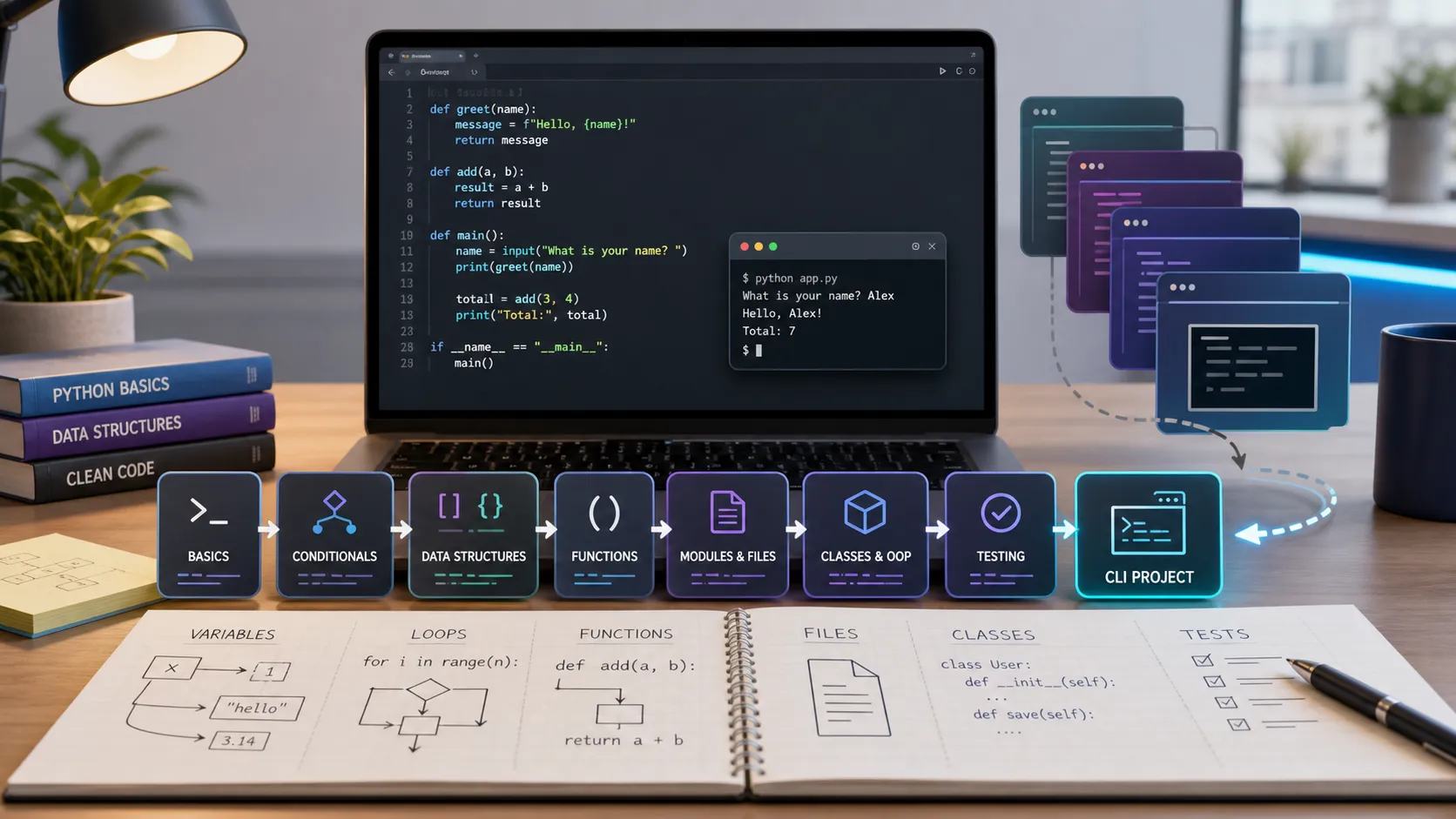
Python Fundamentals Learning Path: Series Recap and Next Steps
A practical recap of the Python Fundamentals series, with six lessons, key skills, checkpoints, and clear next steps after building the CLI project.
Python CLI Mini Project: Build an Expense Tracker from Scratch
Build a Python CLI expense tracker from scratch using input, JSON file storage, functions, dataclasses, error handling, and basic testing.
Python Project Structure: venv, pip, Requirements, and Testing
Learn how to organize a Python project with folders, virtual environments, pip, requirements.txt, .env files, pytest, and a simple entry point.
Python Files, Errors, and Modules: Writing Cleaner Scripts
Learn how to read files, write files, handle errors, create modules, import your own code, and organize cleaner Python scripts.