Python Files, Errors, and Modules: Writing Cleaner Scripts
After functions and data structures, you can already write reasonably organized logic. The next challenge is building scripts that interact with the outside world: reading files, writing output, handling errors, and splitting code across multiple files.
This matters because many everyday Python tasks are small scripts: processing CSV files, cleaning data, reading configuration, generating reports, or running simple automation.
Why files matter
If data only lives in variables, it disappears when the program ends. Files let data be saved and read again.
Common examples include:
- Reading transactions from a file.
- Saving a generated report.
- Reading application configuration.
- Writing simple logs while a script runs.
Python provides the built-in open() function for working with files.
Reading files with with open
The safe way to read a file is with open(...).
# File: 01-read-text-file.py
with open("notes.txt", "r", encoding="utf-8") as file:
    content = file.read()

print(content)
"r" means read mode. encoding="utf-8" helps text files behave consistently, especially when they contain non-ASCII characters.
The with block closes the file automatically after the work is done. It is a small habit worth building early.
Reading line by line
If a file contains many lines, you can read them as a list:
# File: 02-read-lines.py
with open("notes.txt", "r", encoding="utf-8") as file:
    lines = file.readlines()

for line in lines:
    print(line.strip())
strip() removes whitespace and newline characters from the start and end of a string.
For larger files, process the file one line at a time:
# File: 03-stream-lines.py
with open("notes.txt", "r", encoding="utf-8") as file:
    for line in file:
        print(line.strip())
Writing files
Use "w" mode to write a file.
# File: 04-write-file.py
report = "Total: 150000\n"

with open("report.txt", "w", encoding="utf-8") as file:
    file.write(report)
"w" overwrites the file if it already exists. To add content to the end of a file, use "a":
# File: 05-append-log.py
with open("app.log", "a", encoding="utf-8") as file:
    file.write("Script started\n")
Paths and working directory
A common beginner surprise is a file-not-found error when the file does exist. The cause is often the working directory.
When you write:
# File: 06-open-relative-file.py
open("notes.txt")
Python looks for notes.txt from the folder where the command is run, not always from the folder where the Python file lives.
For small scripts, run the command from the project folder. For cleaner projects, use pathlib:
# File: 07-pathlib-path.py
from pathlib import Path

base_dir = Path(__file__).parent
notes_path = base_dir / "notes.txt"

print(notes_path)
pathlib keeps path operations clearer than manually joining strings.
Common errors
When working with files and input, common errors include:
FileNotFoundError: the file does not exist at the path being used.ValueError: conversion fails, such asint("abc").PermissionError: the program does not have permission to read or write a file.- Parsing errors: the data format is not what the program expects.
A good program does not prevent every possible error. A good program responds clearly when expected errors happen.
try and except
Use try and except for errors that may reasonably happen.
# File: 08-read-lines-fallback.py
def read_lines(path):
    try:
        with open(path, "r", encoding="utf-8") as file:
            return file.readlines()
    except FileNotFoundError:
        return []

lines = read_lines("notes.txt")
print(f"Total lines: {len(lines)}")
Here, if the file does not exist, the function returns an empty list. In some programs that is fine. In others, it may be better to show an error and stop.
Be specific with except
Avoid a bare except:.
# File: 09-bare-except-bug.py
try:
    amount = int(input("Amount: "))
except:
    amount = 0
This catches too much. Be specific instead:
# File: 10-specific-except.py
try:
    amount = int(input("Amount: "))
except ValueError:
    print("Amount must be a number")
    amount = 0
Specific errors make debugging easier.
else and finally
else runs when no error occurs. finally runs no matter what.
# File: 11-try-else-finally.py
try:
    amount = int(input("Amount: "))
except ValueError:
    print("Invalid amount")
else:
    print(f"Saved amount: {amount}")
finally:
    print("Done")
You do not need else and finally everywhere, but it is useful to know what they do.
Creating your own module
When a Python file gets long, split code into modules. A module is a Python file that can be imported.
Create calculator.py:
# File: 12-calculator-module.py
def add(a, b):
    return a + b

def multiply(a, b):
    return a * b
Then in main.py:
# File: 13-import-module.py
from calculator import add, multiply

print(add(2, 3))
print(multiply(4, 5))
Modules let the main file focus on program flow while detailed logic lives elsewhere.
Avoid side effects on import
Top-level code in a Python file runs when the file is imported. Avoid running the main program directly inside a module that other files import.
Use this pattern:
# File: 14-main-guard.py
def main():
    print("Run app")

if __name__ == "__main__":
    main()
With this pattern, main() runs only when the file is executed directly, not when it is imported.
Simple packages
A package is a folder containing Python modules. It often includes an __init__.py file.
expense_app/
  __init__.py
  storage.py
  calculator.py
main.py
Example imports:
# File: 15-package-imports.py
from expense_app.storage import read_expenses
from expense_app.calculator import calculate_total
You do not need to go deep into packaging yet. For now, know that folders can group related modules.
Mini project: transaction totals from a file
Create transactions.txt:
Coffee,25000
Lunch,50000
Book,120000
Then create main.py:
# File: 16-transaction-total.py
def read_transactions(path):
    transactions = []

    try:
        with open(path, "r", encoding="utf-8") as file:
            for line in file:
                title, amount_text = line.strip().split(",")
                transactions.append({
                    "title": title,
                    "amount": int(amount_text),
                })
    except FileNotFoundError:
        print("Transaction file not found")

    return transactions

def calculate_total(transactions):
    return sum(transaction["amount"] for transaction in transactions)

transactions = read_transactions("transactions.txt")
total = calculate_total(transactions)

print(f"Total: {total}")
This script now uses files, lists, dictionaries, functions, and basic error handling.
Common mistakes
The first mistake is hardcoding an absolute path such as /Users/name/Desktop/file.txt. That path is difficult to reuse on another computer.
The second mistake is catching every error with a bare except. This can hide the real bug.
The third mistake is building a module that runs lots of work when imported. Separate functions and use if __name__ == "__main__":.
Mini exercises
Try building:
- A script that reads
names.txtand prints all names with numbers. - A script that accepts an expense input and saves it to
expenses.txt. - A
read_numbers(path)function that returns a list of numbers from a file. - A
formatter.pymodule with aformat_currency(amount)function. - Error handling for invalid numeric input.
Checklist before moving on
When reading a file error, check three things: which folder the command ran from, which path was actually built, and whether the file format matches the program’s assumptions. Print the path when needed; good debugging turns guesses into evidence.
For exceptions, do not merely make the error disappear. Make sure a fallback does not hide corrupted data. An empty list may be right when a new app has no transaction file, while a required report may need a clear error instead. The response should match the program’s context.
Next: Object-Oriented Python
Now you can split code into functions and modules. Next, we will cover object-oriented programming in a practical way: when classes help, when plain functions are enough, and how dataclass makes data objects nicer to work with. Continue with Object-Oriented Python for Beginners.
If you want to review the previous article, revisit Python Functions and Data Structures.
Related Articles
Keep reading within the same topic.
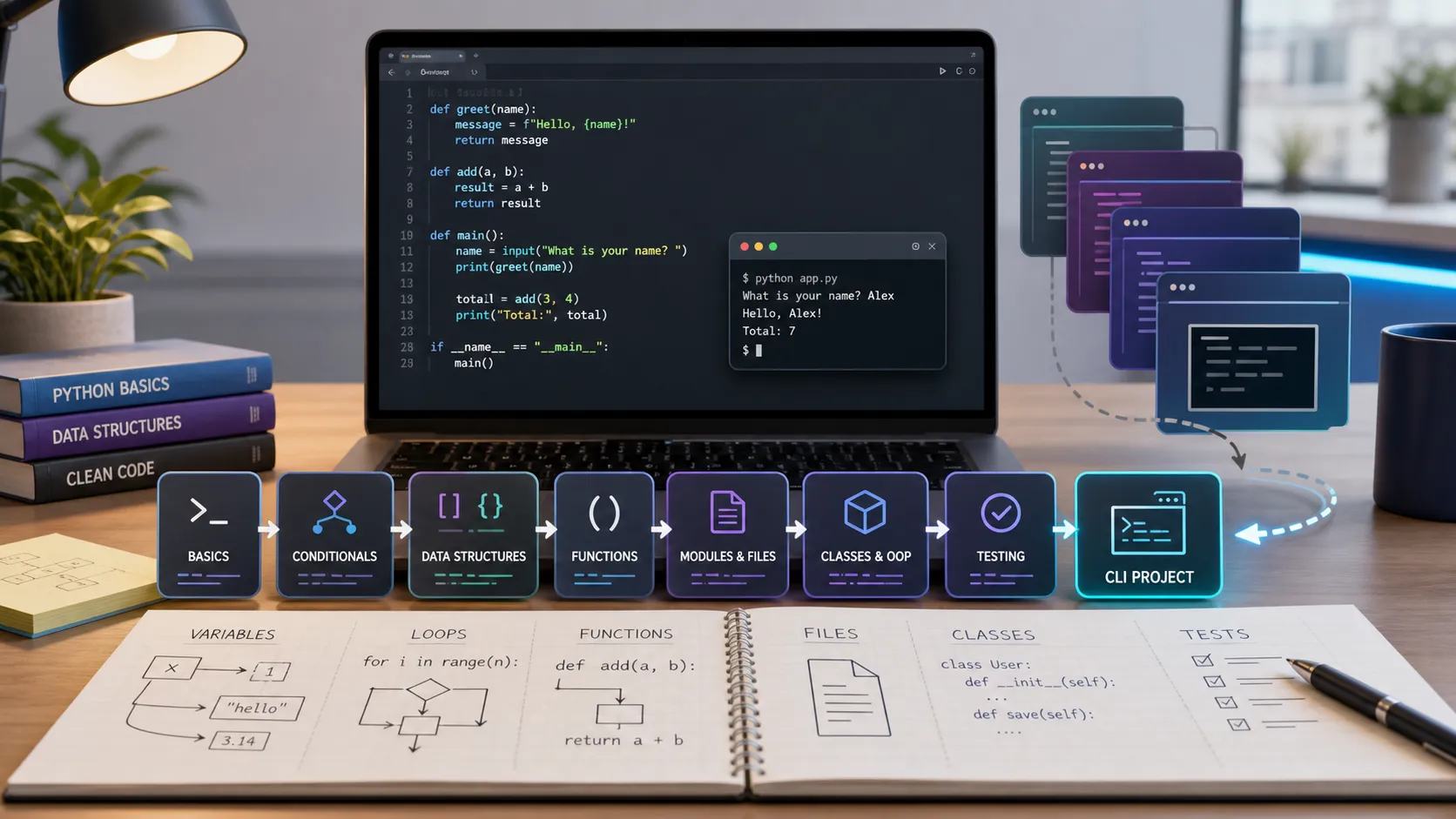
Python Fundamentals Learning Path: Series Recap and Next Steps
A practical recap of the Python Fundamentals series, with six lessons, key skills, checkpoints, and clear next steps after building the CLI project.
Python CLI Mini Project: Build an Expense Tracker from Scratch
Build a Python CLI expense tracker from scratch using input, JSON file storage, functions, dataclasses, error handling, and basic testing.
Python Project Structure: venv, pip, Requirements, and Testing
Learn how to organize a Python project with folders, virtual environments, pip, requirements.txt, .env files, pytest, and a simple entry point.
Object-Oriented Python for Beginners: Classes, Objects, and Dataclasses
Learn practical Python OOP: classes, objects, methods, __init__, dataclasses, composition, and when object-oriented code actually helps.