Python Fundamentals Learning Path: Series Recap and Next Steps
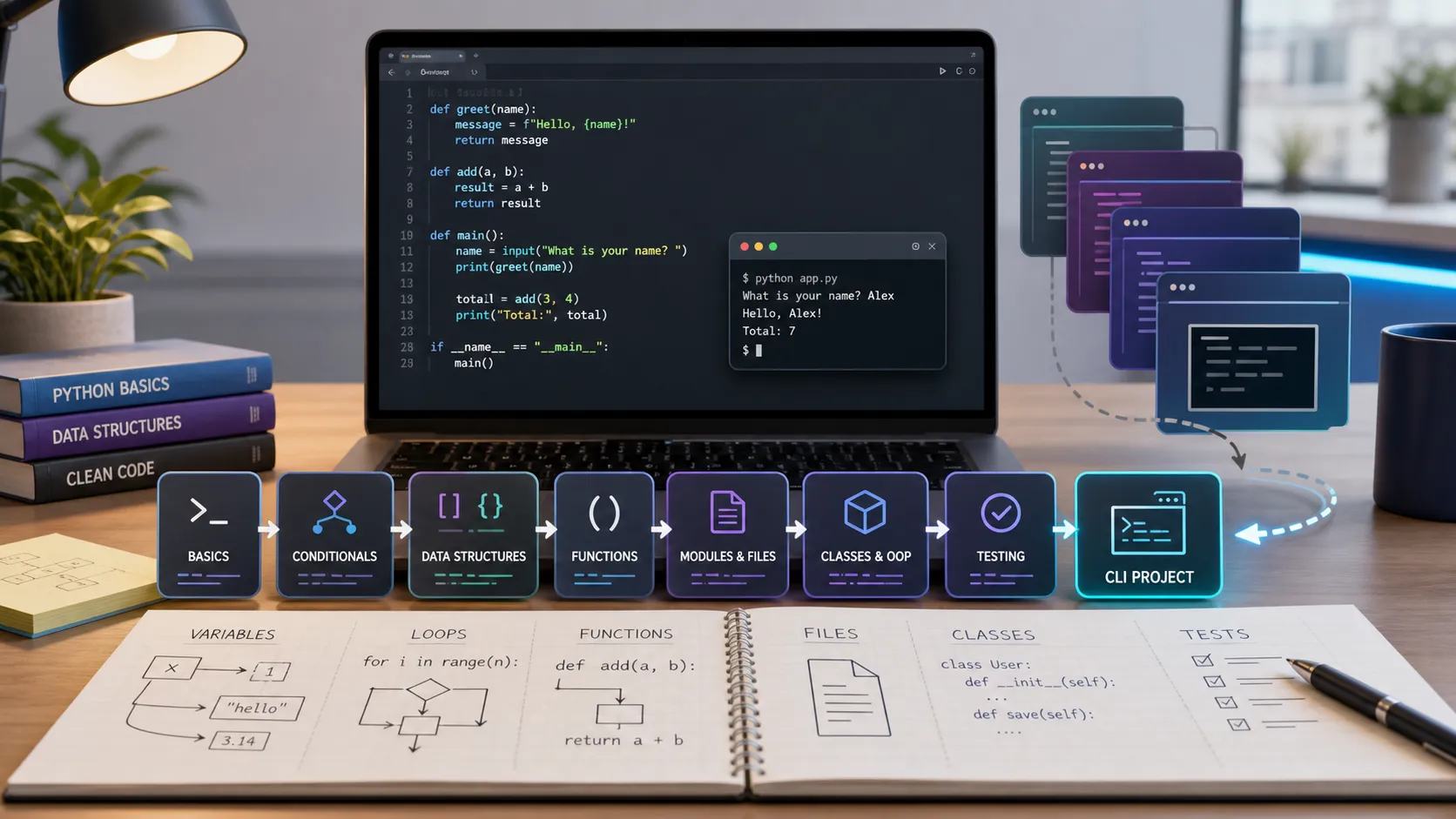
This is the home base for the Python Fundamentals series. It brings the six lessons into one learning path, so you can see what each topic is for and revisit the part you need without guessing where to start.
The destination is practical: write a small Python program that accepts input, stores data, handles predictable errors, has a clear structure, and includes a test.
The series at a glance
- Python Fundamentals: Variables, Types, and Control Flow Learn values, variables, strings, numbers, booleans, input/output, conditions, and loops.
- Python Functions and Data Structures Break code into functions and work with lists, tuples, dictionaries, sets, and common loop patterns.
- Python Files, Errors, and Modules Read and write files, handle exceptions, and split a script into reusable modules.
- Object-Oriented Python for Beginners Model related data and behavior with classes, dataclasses, methods, and composition.
- Python Project Structure, venv, pip, and Testing Organize a project, isolate dependencies, manage packages, and protect logic with pytest.
- Python CLI Mini Project: Build an Expense Tracker from Scratch Combine the fundamentals into a terminal app that stores expenses in JSON and tests its total calculation.
What you should be able to do now
After working through the series, you should be comfortable with these building blocks:
- Store and transform values with the right basic data type.
- Make decisions with
if, repeat work with loops, and validate simple input. - Write small functions with clear parameters and return values.
- Choose a list, dictionary, set, or tuple based on how data is used.
- Save simple data to a file and recover from expected errors.
- Separate code into modules instead of growing one large script.
- Use a class or dataclass when a concept has related data and behavior.
- Create a virtual environment, install dependencies, and run a focused test.
Those skills are deliberately modest, but they are not trivial. They are the layer below web apps, APIs, automation, data work, and many other Python paths.
Suggested pace
If you are new to programming, use one article at a time. Type the examples, change one value, break something intentionally, then fix it. Reading code feels faster; changing code teaches more.
For a short focused path, use this rhythm:
| Session | Focus | Small outcome |
|---|---|---|
| 1 | Variables, types, and control flow | An interactive script that reacts to input |
| 2 | Functions and collections | A small program with reusable functions |
| 3 | Files, errors, and modules | Data that survives after the program exits |
| 4 | OOP and project structure | Clearer domain code in separate files |
| 5 | Testing and the CLI project | A working expense tracker with a test |
Do not wait until every concept feels perfectly memorized. Keep moving, then return to the relevant lesson when a real problem makes it useful.
Checkpoint: rebuild the project your way
The expense tracker is a good final exercise because it uses the entire path. Before moving on, try rebuilding a similar CLI project without copying the tutorial line by line.
Pick one small idea:
- A book or movie watchlist.
- A daily habit tracker.
- A contact list.
- A simple inventory list.
- A command-line quiz.
Keep the first version narrow. Give it input, a menu, a data file, validation for obvious bad input, and one or two tests for logic that should not break. That is enough to practice the architecture without turning a learning project into a giant application.
How to choose your next Python path
There is no single required sequel. Choose based on what you want to make.
- For websites, continue with Build a Website with Flask.
- For APIs, continue with FastAPI Tutorial for Beginners: Setup and First API, then use the FastAPI hub as the learning order.
- For automation, build scripts around files, spreadsheets, web requests, or repetitive work.
- For data and machine learning, strengthen your collections and file skills, then explore Machine Learning with Python.
Whichever path you choose, keep the habit from this series: make a small version first, run it often, and add complexity only after the current version is clear.
FastAPI is a strong next step because it reuses many skills from this series. Functions become route handlers, dictionaries become JSON responses, Pydantic schemas are easier when you already understand basic types, modules help split routers and services, and testing still protects behavior as the project grows.
Keep this hub nearby
Use this page as your return point. When you get stuck, identify the kind of problem first: values and conditions, collections and functions, files and errors, object design, or project setup. The matching lesson will be much easier to revisit with a concrete question in hand.
Related Articles
Keep reading within the same topic.
Python Fundamentals: Variables, Types, and Control Flow
Learn Python fundamentals from scratch: variables, data types, operators, input/output, if statements, loops, and a simple practice script.
Python CLI Mini Project: Build an Expense Tracker from Scratch
Build a Python CLI expense tracker from scratch using input, JSON file storage, functions, dataclasses, error handling, and basic testing.
Python Project Structure: venv, pip, Requirements, and Testing
Learn how to organize a Python project with folders, virtual environments, pip, requirements.txt, .env files, pytest, and a simple entry point.
Object-Oriented Python for Beginners: Classes, Objects, and Dataclasses
Learn practical Python OOP: classes, objects, methods, __init__, dataclasses, composition, and when object-oriented code actually helps.